TextKits

Text On Path And Arc Builder

Curve Text Generator Free for Text in a Circle and Custom Paths

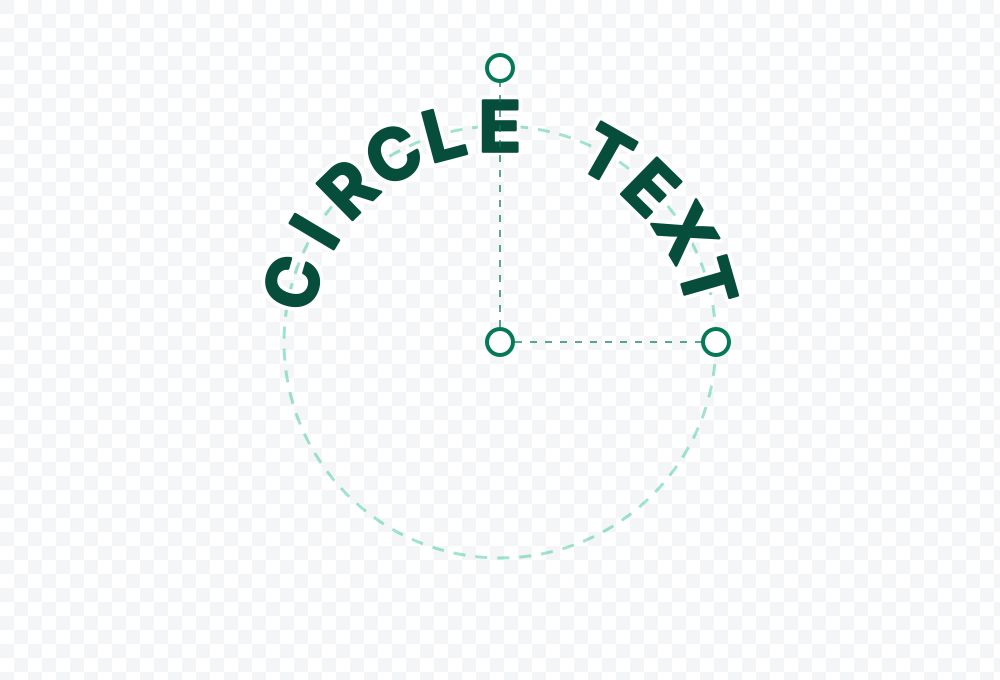
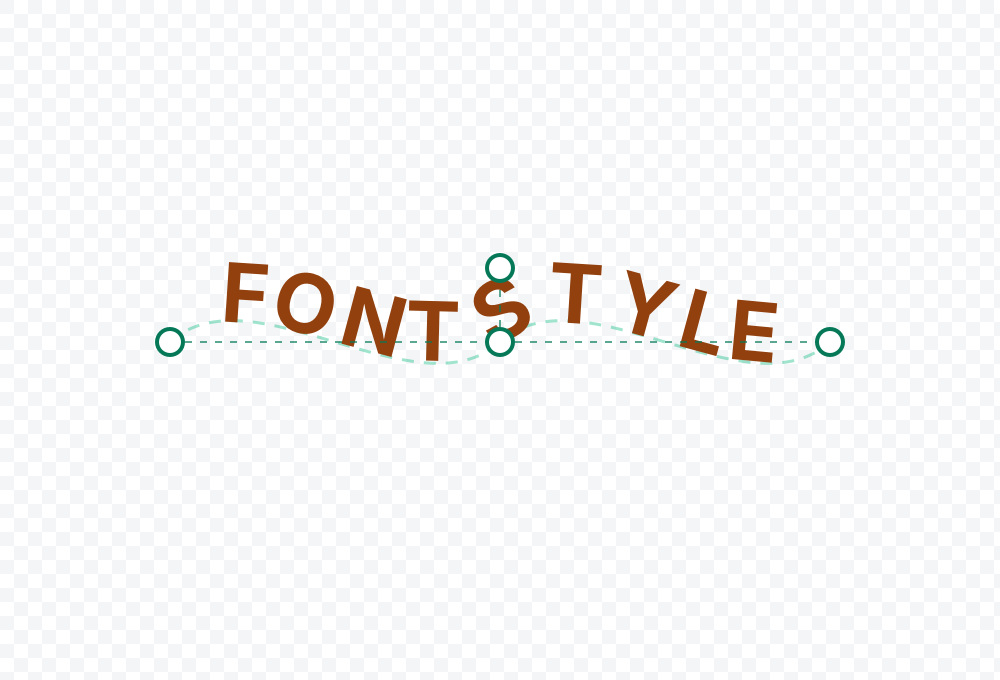
Text follows any path

Use circles, arcs, waves, lines, freehand paths, and editable custom curves.

Multiple text layers

Stack separate curved text objects, select them on canvas, and arrange them without a visible layers panel.

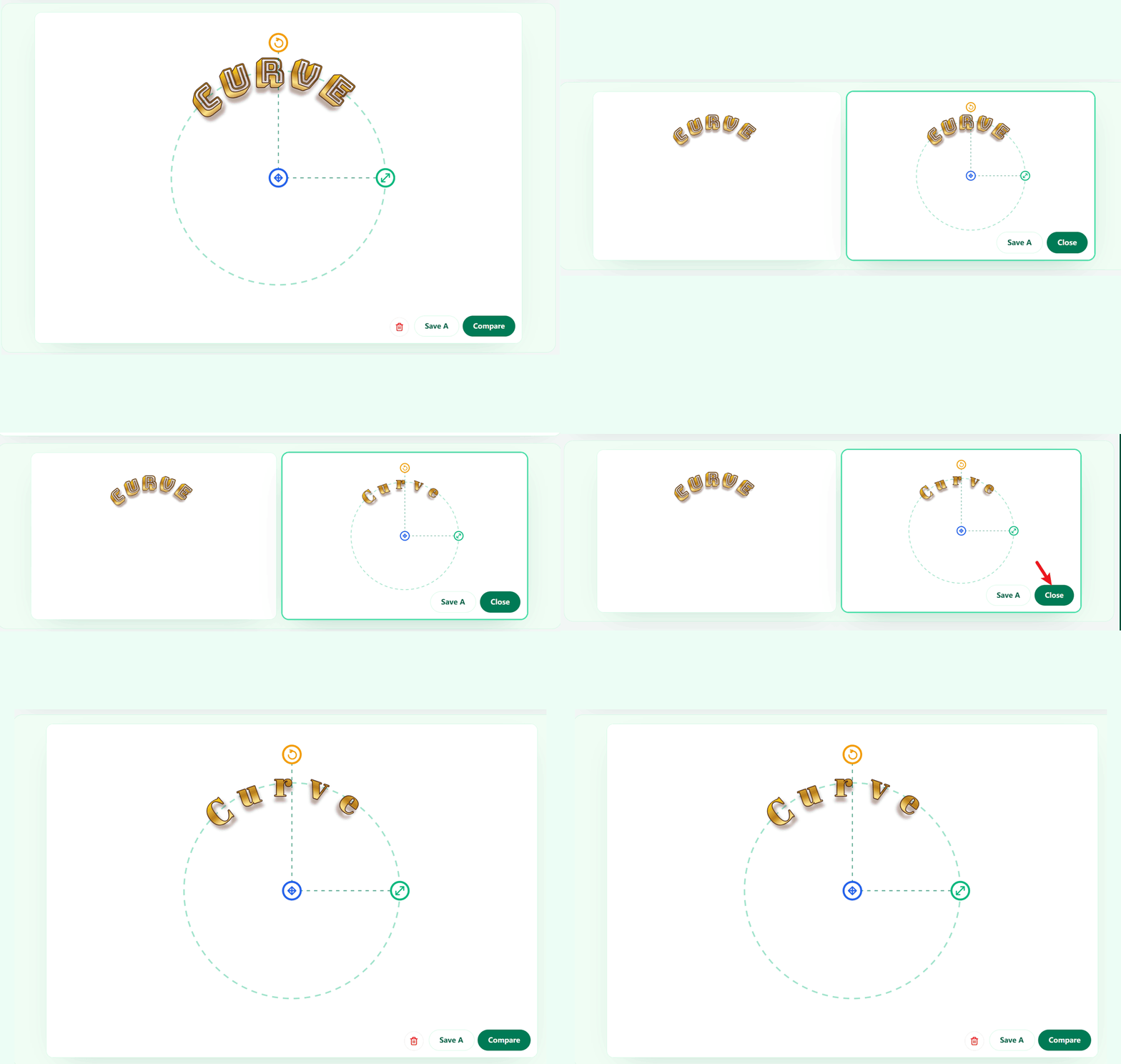
Direct canvas editing

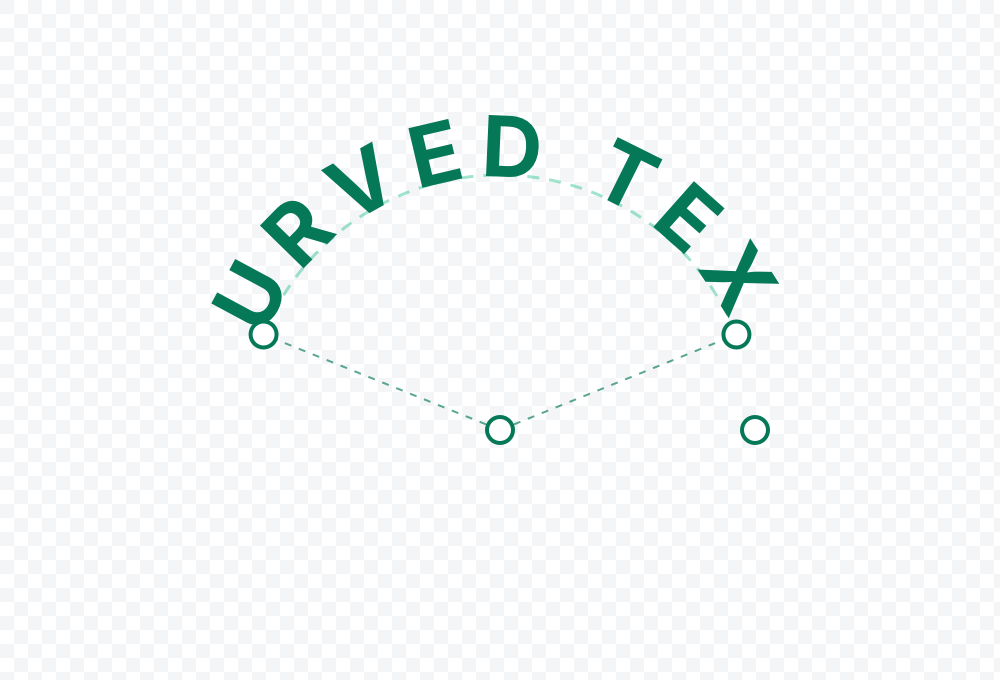
Drag the text or its path handles directly inside the live preview.

Display fonts

Choose from curated local fonts picked for cleaner arcs, badge titles, and more artistic text treatments.

Color and stroke controls

Adjust fill, outline, stroke width, spacing, size, radius, offset, and rotation.

Visual effects

Apply rainbow, gold, glitter, neon, sticker, chrome, candy, and fire treatments.

Image background

Upload a reference image or use transparent output for overlays.

PNG and SVG export

Download a finished raster file or keep the artwork as editable vector markup.

Why use curve text generator free

If you just want curved text without opening a full design app, this page keeps it simple. Pick a shape, type your text, tweak the style, and move it around until it looks right.

It works well when you need something fast for a logo arc, badge, label, thumbnail, or quick overlay. You can keep the background transparent or export a clean SVG when you need a sharper file.

What the editor supports

You can make text in a circle, bend text on an arc, build a wave title, keep it on a straight line, or draw your own path. Circle mode is handy for badges, ring logos, and stamp-style layouts, while wave and draw fit social captions and playful titles better.

If a preset is close but not quite right, you can adjust the path directly on canvas. That gives you a quick starting point without locking you into one fixed shape.

Use it on photos, videos, logos, and thumbnails

Upload a photo when you want to place the text directly over an image, or leave the background transparent if you plan to use the export somewhere else. This is especially useful for thumbnails, logo arcs, product shots, and quick overlays.

You can also add more than one text line, which helps when you want a badge layout, stacked caption, or a top-and-bottom circle design without switching to another editor.

Where it works best

Circle logos
Cards and invitations
Social stories
Video overlays
YouTube thumbnails
Flyers and posters

Curve text generator free FAQ

Short answers about pricing, transparent exports, SVG support, image uploads, and text in a circle use cases.

Is this curve text generator free to use?+
Yes. This browser-based editor lets you preview, export PNG, and export SVG without an account flow.
Can I add more than one curved text line?+
Yes. Add a new text object, then click it directly on the canvas to style, move, and refine it independently inside the same workspace.
Can I export with a transparent background?+
Yes. Transparent output is a first-class mode because one of the most common use cases is exporting curved badges, overlays, and logo marks for reuse elsewhere.
Does the page support SVG export?+
Yes. SVG export is included so the page can produce a crisp scalable file instead of only a raster image.
Can I upload an image behind the text?+
Yes. Image upload is optional and useful for story captions, product photos, thumbnails, and quick composition checks.