TextKits

Roblox Booth Sign Tool

Please Donate Text Generator

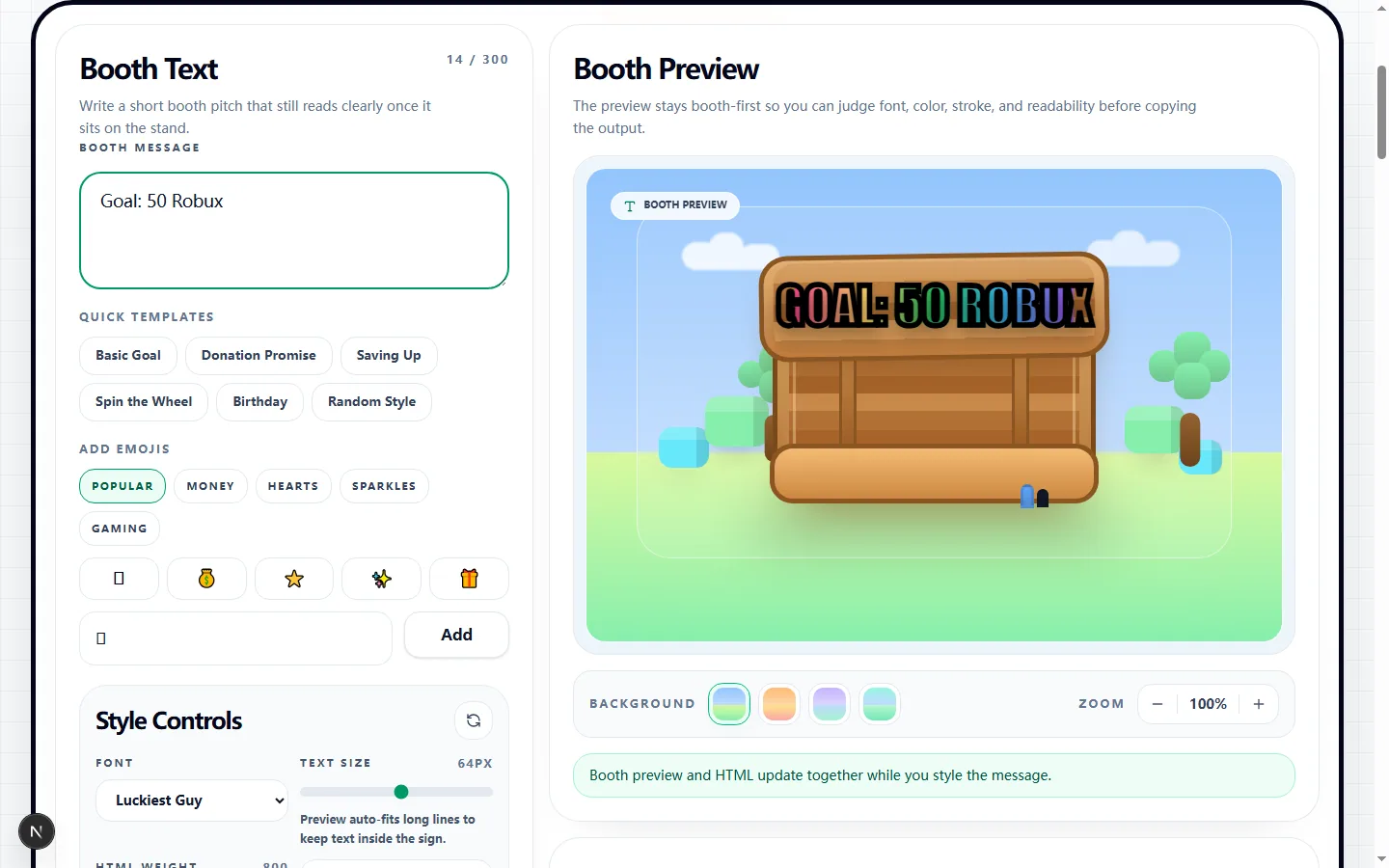
Booth Text

Write a short booth pitch that still reads clearly once it sits on the stand.

21 / 300

Preview

Sign Text
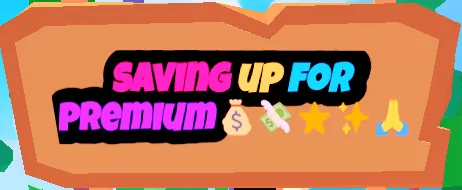
SAVING UP FORPREMIUM

Quick Templates

Add Emojis

Style Controls

64px

Preview auto-fits long lines to keep text inside the sign.

800

Some preview fonts only show a few visible weights.

Add a slanted emphasis style.

4px

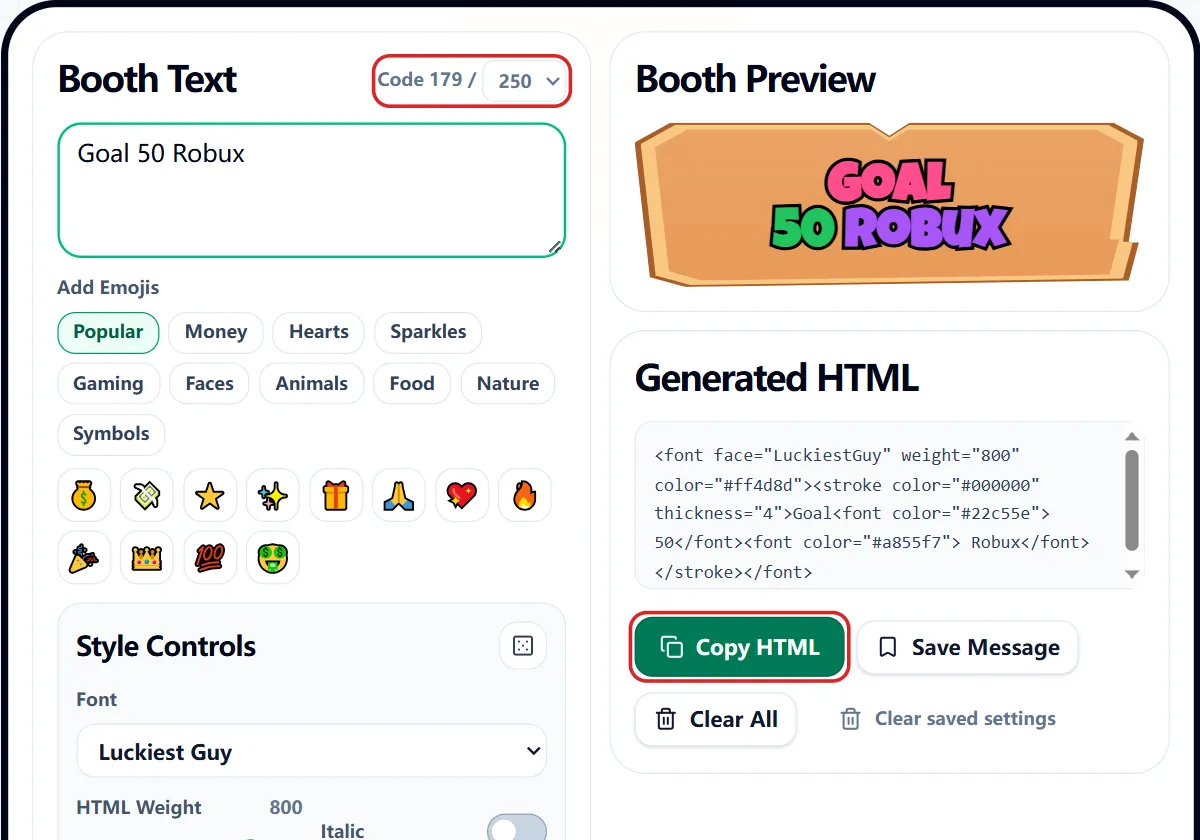
Generated HTML

The output stays tied to the booth styling so the copy is easy to save, tweak, and paste back into your Roblox workflow.

Compatibility Note

PLS DONATE uses limited HTML support. Fonts, outlines, and colors are approximated in the preview and can render slightly differently in-game.

Booth Tips

Keep it short and easy to read.

State your goal clearly.

Use emojis sparingly.

Thank your donors.

52 Booth Fonts

Roblox-style font names for booth-ready rich text output.

6 Gradient Styles

Fast rainbow and split-color combos that still read cleanly.

Roblox Font Set

Expanded options based on Roblox font names used by booth text.

Copy-Ready HTML

Keep the styled booth output and preview in the same workflow.

100% Free

No login, no account, and no sign-up required.

How to craft a booth sign that actually gets noticed

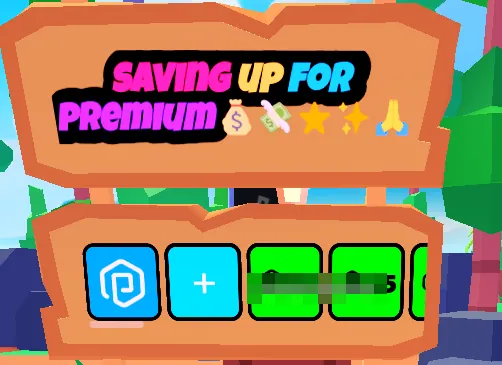
When you're trying to grab attention in a busy Roblox server, your text needs to be loud and clear. With our please donate text generator, you can pick a bold font, splash on some rainbow colors, and check exactly how it'll look on a booth stand before you even open the game.

By previewing your sign right here, you can tweak the styling and shorten your message until it pops perfectly on the screen.

Mastering the font and color controls

Feel free to play around with font sizes, outlines, and those eye-catching rainbow gradients. A great please donate text generator gives you all the tools you need to build a style that matches your exact vibe.

We built our picker with fonts that show up cleanly in your browser. But remember, Roblox has tons of hidden fonts! You can easily copy our HTML and swap in any special Roblox font name you prefer.

Why styling your text is so important

Think about it: players are running past your stand in seconds. Good color contrast and clear fonts mean they can read your sign without stopping. While split colors look amazing, keeping your message short and sweet is always the best strategy.

Our biggest tip? Don't overcrowd the board! If it looks messy in our preview, it’s going to look messy in-game.

Quick tips for writing booth text

Be direct about what you're raising Robux for, keep the sentence small, and throw in an emoji or two for flavor. If a player has to squint to read your sign, you’ve already lost them!

Also, while our please donate text generator lets you save drafts locally in your browser, definitely jump into PLS DONATE to do a final visual check to ensure it looks flawless.

What this please donate text generator helps with

Use this please donate text generator when you need to style booth text and copy sign-ready output without opening a heavy editor or learning a special format first. It is made for Roblox players who want a readable PLS DONATE booth sign, so the page keeps the input, preview, and output close together instead of hiding the useful controls behind a setup flow.

That makes the please donate text generator best for quick text jobs like PLS DONATE booth signs, tip goals, thank-you messages, goal updates, and short Roblox donation requests. In those moments, you usually already know the words you want to use. The value is seeing a clean result, adjusting it fast, and moving it into the app, post, sign, server, or document where it belongs.

How the please donate text generator workflow works

The please donate text generator workflow is built around one loop: write the source text, change the style, check the preview, then copy or export the result. The controls cover message templates, font choices, color, stroke, rainbow mode, preview, saved drafts, and HTML output, which gives you enough range without making the page feel like a full design program.

The live preview matters because small formatting choices can change the result quickly. If the text looks too crowded, too quiet, too strange, or too hard to read, you can fix it before copying. A useful please donate text generator should make those problems visible early, while the text is still easy to change.

Best uses for the please donate text generator

The strongest results usually start with short, clear text. A please donate text generator can change the presentation, but it cannot rescue a message that is too long or confusing before the styling begins. Keep the source sentence simple, then use the tool to shape the final look.

This is especially important when the output is going into a public place such as a profile, chat, caption, booth, board, or server announcement. The please donate text generator should add the effect you want while keeping the message easy to understand at the speed people will actually read it.

Tips for cleaner please donate text generator results

The fastest way to improve a result is to test a plain version first. Type the message, make one basic output, and ask whether it already solves the job. After that, add more style only where it helps. This keeps the please donate text generator useful for real copy-paste work instead of turning every result into a noisy experiment.

For most users, the practical rule is: write one clear request first, then add color or outline only after the booth text is easy to read. That habit makes the please donate text generator more reliable, especially when another person needs to read the result quickly. The tool can generate options, but the final choice should still feel intentional.

What to check before using the output

Before you leave the please donate text generator, look at the preview and ask one plain question: would someone understand this immediately? If the answer is no, shorten the source text, lower the intensity, or choose a simpler setting. The best output usually feels obvious, not overworked.

There is also one practical warning: Roblox rendering can differ from a browser preview, so test the copied booth text in-game. That does not make the please donate text generator less useful. It just means the safest workflow is to copy or export the result, test it once in the target app, and make one final adjustment if the platform displays it differently.

Why the please donate text generator stays practical

A practical please donate text generator should save time at the handoff point. You should be able to try a few versions, keep the one that works, and avoid rebuilding the same phrase by hand. That matters most for small text tasks where the goal is not a perfect design file, but a result you can use right away.

It also helps when you are comparing ideas. Keep one source line, change the settings, and let the please donate text generator show the differences. Small shifts in size, style, color, intensity, or formatting can change the tone of short public text, and comparing those versions in one place makes the final choice easier.

Common please donate text generator mistakes to avoid

The biggest mistake is treating the effect as the whole message. If every setting is pushed to the maximum, the output may look busy but stop communicating. Use the please donate text generator to support the words, not bury them.

Another mistake is assuming every destination will display the result exactly like the preview. Keep a plain backup of the original text, paste the output into the target app once, and adjust if needed. That small check makes the please donate text generator more dependable for real use and keeps the workflow focused on the actual next step.

Please donate text generator FAQ

Got questions about getting these snazzy fonts into Roblox? Here's everything you need to know about our booth tools!

How do I put this text onto my actual PLS DONATE booth?+
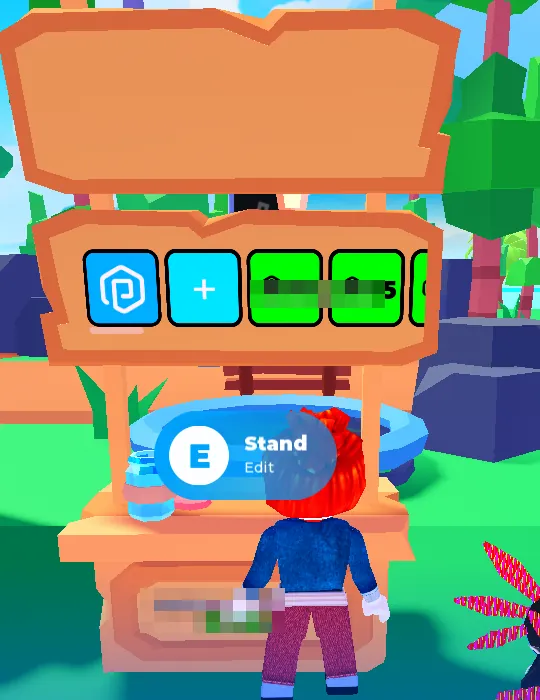
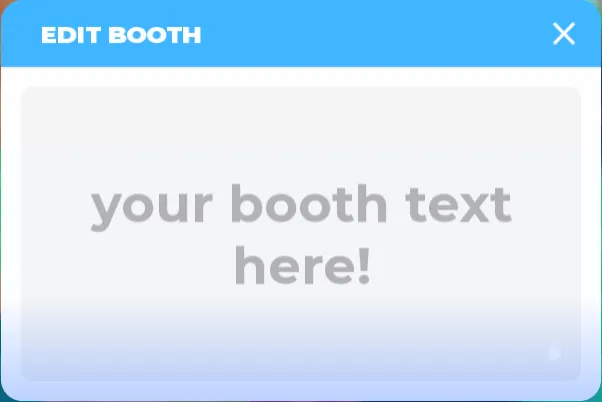
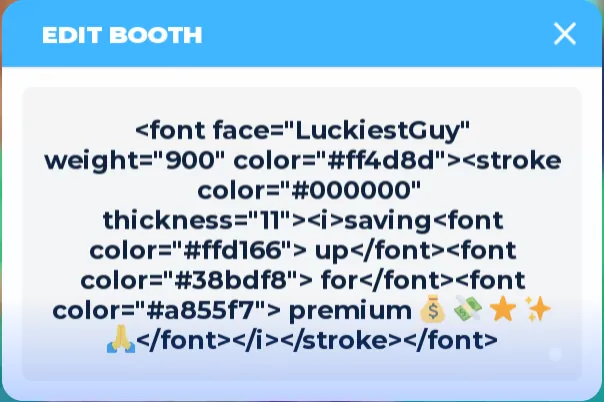
It’s super easy! Just copy the HTML outcome from our please donate text generator, hop into Roblox, and paste it directly into your booth's edit screen.
Why did my sign look slightly different when I opened the game?+
Roblox's PLS DONATE supports a very specific type of HTML formatting. While our tool tries to match it perfectly, the game's actual rendering engine might interpret some outlines or fonts just a tiny bit differently.
Where are all the other cool Roblox fonts?+
Our menu highlights the ones that load securely in your web browser. But you can still use our please donate text generator to build the code, and then manually type your favorite Roblox font name into the copied HTML!
Will this tool remember my awesome sign design for tomorrow?+
Yes, if you click the local save button! It keeps your draft safely stored right in your browser so you don't have to start from scratch.
I have no idea what to write on my booth... help?+
We’ve got you covered! You can start with our built-in templates and emoji suggestions to quickly get a booth-ready sign without staring at a blank screen.