Live preview + reusable web code
CSS Animated Text Generator
Preview Typewriter, Wave, Gradient, Fade, and SVG Stroke effects.Read more
Tune timing, colors, fonts, and triggers, then copy accessible HTML and CSS without runtime JavaScript.
Output examples
Three real animation states
These still frames show the visual output area for a gradient hero, a staggered loading wave, and responsive inline SVG stroke text.
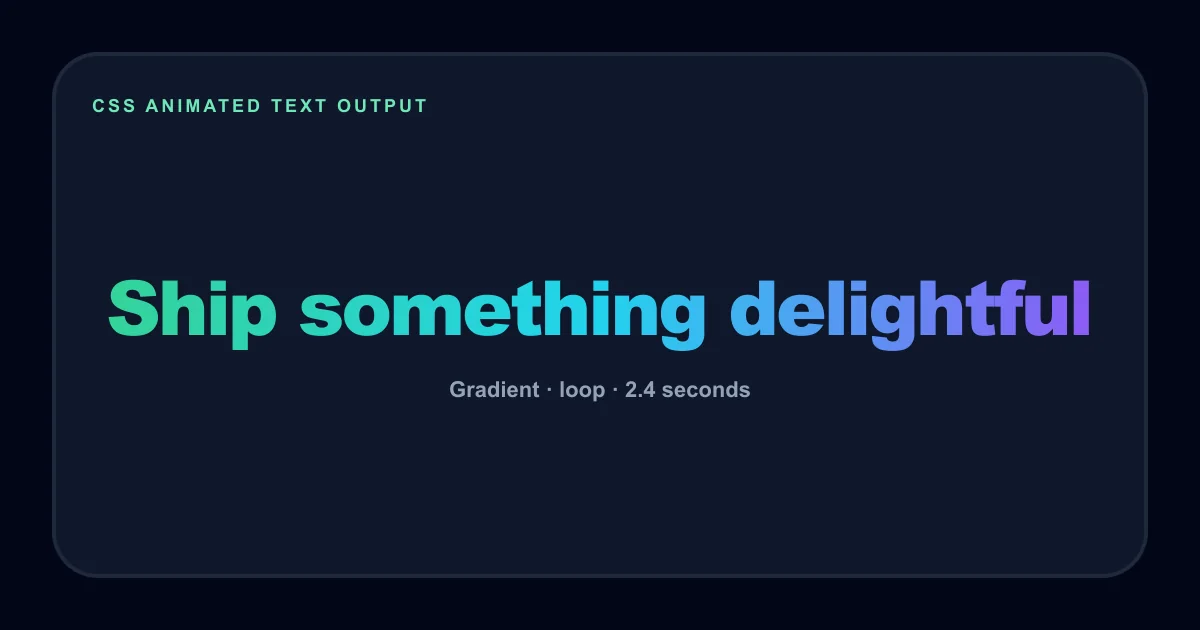
Gradient hero heading
A bright green, cyan, and violet gradient state for a contained website hero heading.
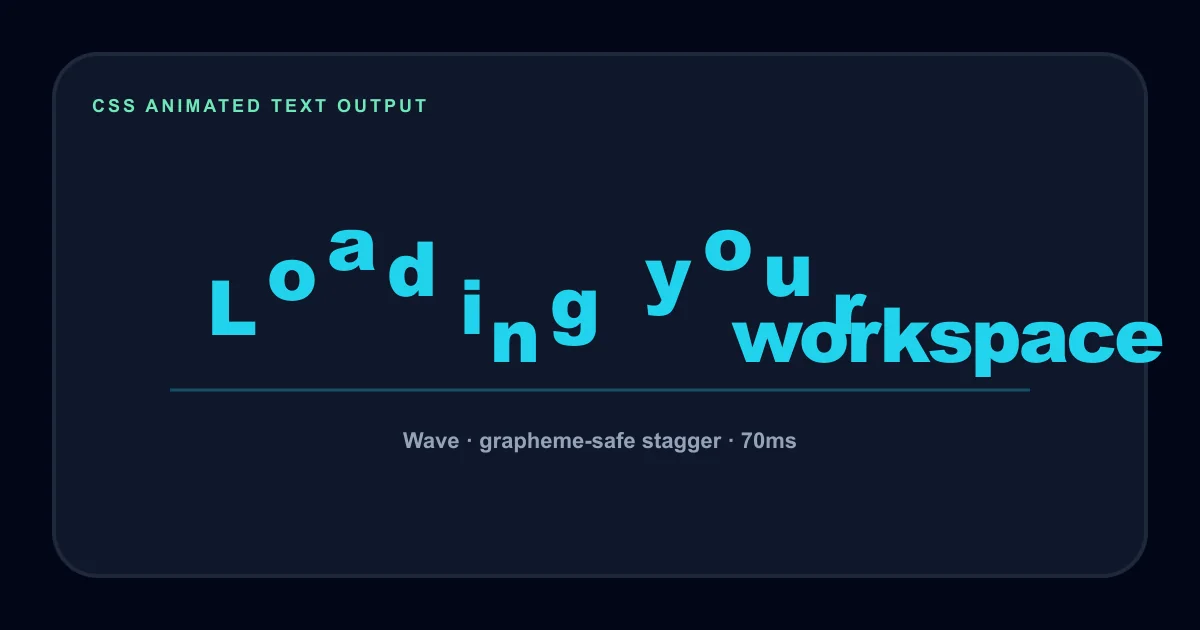
Wave loading label
A staggered character wave state for a short loading message with a bounded baseline.
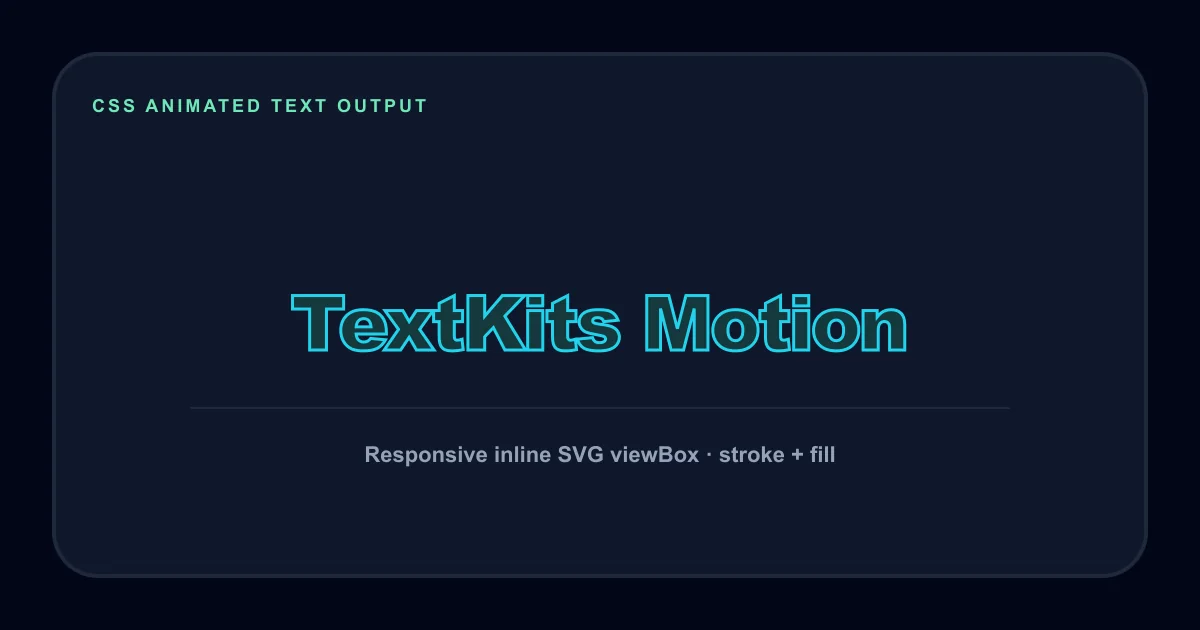
Responsive stroke title
An inline SVG stroke-and-fill state centered inside a responsive viewBox.
How it works
Make animated web text without hiding the code
Start with a short heading or status message. Choose a recipe for a useful starting point, or select a mode directly. That direct setup makes the CSS animated text generator useful before you know which keyframes you need. Hero, Loading, CTA, and Bounded Reveal each apply a practical starting state.
Next, tune the size, duration, trigger, font, and relevant colors. The preview responds immediately. HTML and CSS refresh after a short pause, so dragging a range control does not repeatedly rebuild the code blocks. Use Copy All for a complete snippet or copy the two parts separately.
The CSS animated text generator escapes plain-text input before placing it in output. It also checks long headings, complex graphemes, preview fit, and characters that need careful HTML handling. A warning is a prompt to test your layout, not a claim that the snippet will fail.
Five modes
Choose an effect that matches the job
Typewriter reveals a line from left to right with a caret. It is one of five focused modes in the CSS animated text generator. Wave instead separates text by grapheme, helping emoji and combined accents stay together while visible characters receive a controlled delay.
Gradient animates color across letters without moving the surrounding layout. It fits the same task as a text gradient animation generator without turning the result into an image. Fade uses opacity and a small vertical shift for quieter announcements, labels, and calls to action.
SVG Stroke draws the outline and then fills the text inside a responsive viewBox. Conditional controls keep the interface honest: Wave exposes stagger timing, Gradient exposes a second color, and Stroke exposes stroke plus fill colors.
Triggers and access
Loop, play once, or start on hover
Not every web animation should run forever. Choose Loop for a short loading label, Once when text should settle, or Hover for an interactive heading. The trigger selector in this CSS animated text generator changes both the preview and generated rules.
Pause Preview stops motion without changing the recipe. If the operating system requests reduced motion, the tool starts in a safe static state. Every copied snippet includes a prefers-reduced-motion rule that removes animation while leaving text readable.
Loading text animation CSS should stay brief and should not replace a real progress indicator when duration matters. Text CSS effects still need readable contrast, sizing, and enough quiet space around the motion.
Copy and reuse
Copy HTML, CSS, or one complete snippet
Copy HTML gives you the semantic element or responsive inline SVG required by the mode. Copy CSS gives you variables, keyframes, trigger behavior, containment, and a reduced-motion fallback. Those separate actions help the CSS animated text generator fit normal project structures.
Generated code uses CSS variables for size, duration, colors, and stagger where relevant. Optional Google fonts include display=swap and a system fallback. The default system font makes no font request, which is the lightest starting point for a production page.
Copy Recipe Link stores compact settings in the URL for short inputs. Successful shares can appear in a five-item recent list on the same browser. This is a convenience, not cloud storage: clearing site data removes local recipes and no public gallery is created.
Uses and limits
Practical web motion with clear boundaries
Use the CSS animated text generator for a landing-page hero, loading label, compact product announcement, documentation demo, or hover response near a call to action. Generated snippets are starting points for normal web documents, so read the output and keep only the variables and keyframes your page needs.
A CSS animated text generator cannot control the styles around its snippet. A global stylesheet can override it, and an email client, page builder, or content management system may remove keyframes or inline SVG. Test the result in its real destination.
This page does not make images, GIFs, videos, or downloadable SVG files. Use the glitch text generator for pasteable glitch Unicode, the animated glitch GIF generator for visual glitch export, the LED scrolling text generator for a moving dot-matrix banner, or the fancy thumbnail text generator for a static graphic workflow.
CSS animated text generator FAQ
Direct answers pulled from the homepage brief, arranged as bubble cards so the section still feels light and playful.