Browser LED banner with show mode, PNG, and GIF
LED Scrolling Text Generator
Create a dot-matrix LED banner with this led scrolling text generator.Read more
Preview the sign, use show mode, share settings, and export PNG or GIF files.
Preview examples
Real dot-matrix LED output states
These crawlable previews show actual dot-matrix LED output styles: classic green LEDs, rainbow LEDs, and a framed pickup notice.
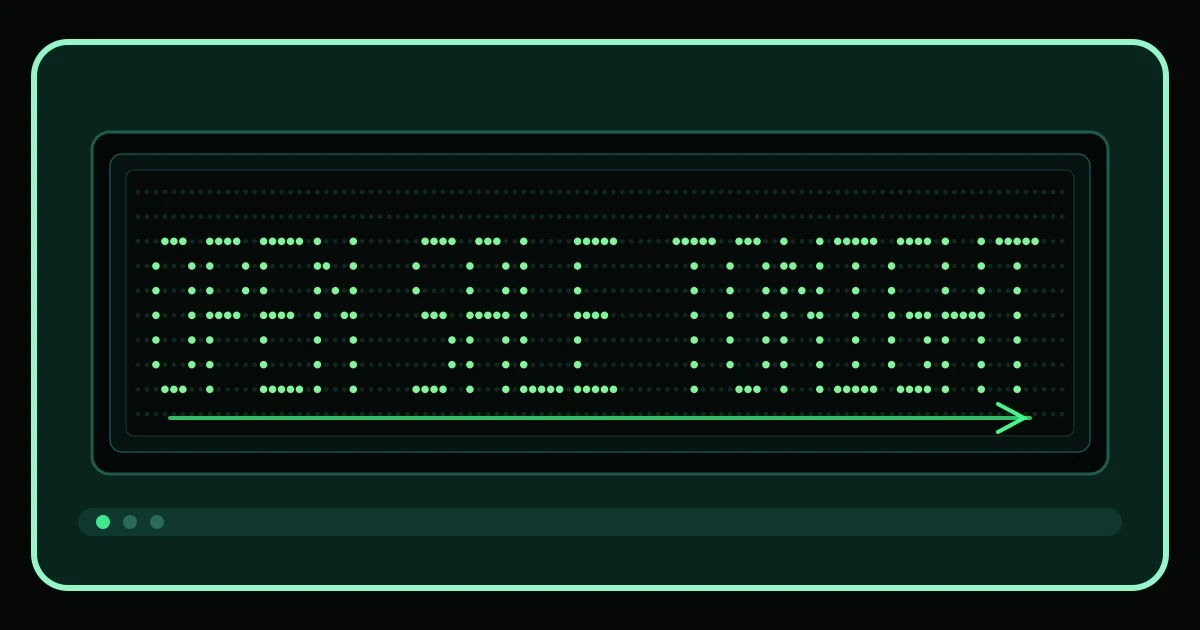
Classic sale board
Output-only capture of a landscape LED board using bright green dot-matrix letters for a short sale message.
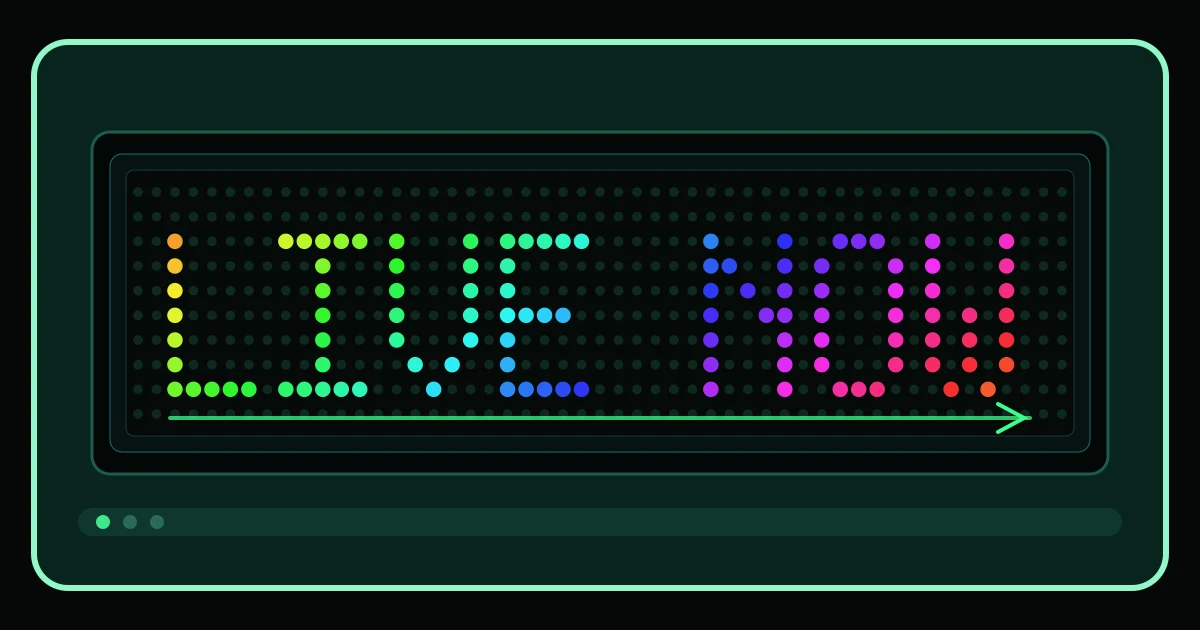
Rainbow live notice
Output-only capture of the LED renderer using rainbow-colored active dots for a live announcement.
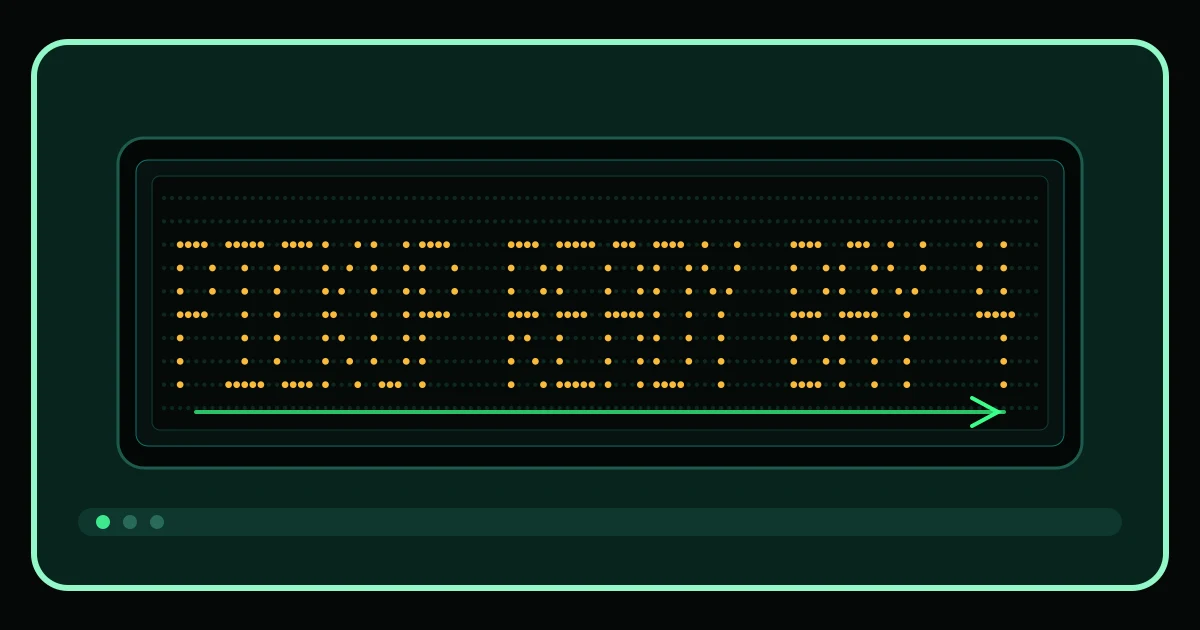
Pickup frame message
Output-only capture of a framed LED sign state for a pickup counter message with larger amber LEDs.
How it works
Create a readable LED running message
Use this led scrolling text generator when you need a bright running message for a screen, pickup window, class cue, sale sign, stream break, or quick event announcement. Type a short line, watch it move across the dot-matrix preview, then adjust speed, direction, size, color, blink, and frame shape until the message is easy to read.
The preview is built from LED dots, not ordinary text placed over a dotted background. That matters when you are comparing styles: classic dots, pixel blocks, neon glow, rainbow LEDs, and tube-style marks all change the actual display and the exported artwork.
Short words usually work better than paragraphs. Start with messages like OPEN SALE TONIGHT, PICKUP READY, LIVE NOW, or EYES UP. The led scrolling text generator keeps the editor, preview, show mode, and exports connected so you can make a change once and see the same result everywhere.
Presets
Presets, readability, and LED style controls
Presets are starting points, not filler. Flash Sale moves faster and uses high contrast. Pickup Ready is calmer. Classroom Cue keeps the text large and readable. Live Now can lean into brighter color. Each preset in the led scrolling text generator changes more than the sample words, so it is useful even before you tune the sliders.
The readability meter checks the settings people most often overdo: contrast, speed, blink, message length, and approximate frame fit. It cannot guarantee readability on every screen, but it gives a practical warning before you enter show mode or download a file.
Use the frame selector to compare landscape, phone portrait, phone landscape, and square output. Use size and density together: size makes the LED letters larger, while density changes how much of the board is filled with dots. The led scrolling text generator is meant to make those differences visible, not hide them behind labels.
Exports
Show mode, PNG, GIF, and shareable settings
Show mode enlarges the same LED board you see in the editor. It is useful when the browser itself is the display: a laptop on a counter, a tablet at a booth, or a phone held up for a quick message. Browser fullscreen behavior can vary, so the tool treats show mode as a clean display view rather than a device-level promise.
PNG export saves a still image of the current LED banner. GIF export creates an animated version of the scrolling message. Copying text gives you the editable message; copying a share link gives you the settings. The led scrolling text generator labels each action by output type so a downloaded image is never confused with editable text.
Saved configurations help when you reuse the same sign with small changes. The scene panel can rotate through up to three short messages, while the main editor stays focused on the current board. That keeps the workflow practical for teams, teachers, event staff, streamers, and small shops.
Uses and limits
Best uses for LED banner online drafts
Use the led scrolling text generator for pop-up sales, pickup counters, stream waiting screens, classroom signals, club events, concert notes, booth signs, party messages, and quick LED banner online drafts. It is strongest when the message is short, the contrast is high, and the scroll speed gives people time to read.
Do not use it as a physical sign controller. It does not schedule hardware, push messages to external displays, post to social networks, generate embed code, or export video. It also should not promise that one GIF or PNG will look identical in every app. The goal is a reliable browser-based LED scroller with clear visual output and honest limits.
Choose this page when the movement and LED dot display are the point. Try Larger Text Generator for static oversized text, Animated Glitch Text Generator or Burning Text Generator for different animated effects, Echo Text Generator for shadow trails, Fancy Thumbnail Text Generator for thumbnail graphics, and ASCII Art Generator for text-based banner art.
Use cases
Practical ways to use the LED scroller
Sale and booth signs: make a bright short offer, then test whether the speed is readable from a few steps away.
Pickup counters: keep order names, bay numbers, and ready notices large enough to scan quickly.
Classroom cues: use slower movement, strong contrast, and reduced blink for messages students can read at a glance.
Stream and event screens: create a looping LED banner for breaks, countdown notes, or simple announcements.
Social graphics: export a PNG for a still banner or a GIF when the scrolling motion matters.
Shared drafts: send a configuration link so another person can reopen the same LED message and settings.
LED scrolling text generator FAQ
Short answers about show mode, LED banner online use, PNG and GIF export, browser limits, readability, and why this tool avoids app, hardware, social-posting, and video claims.