Heart Shape Text Generator
Put names, a quote, or a short message in a heart.
Design preview
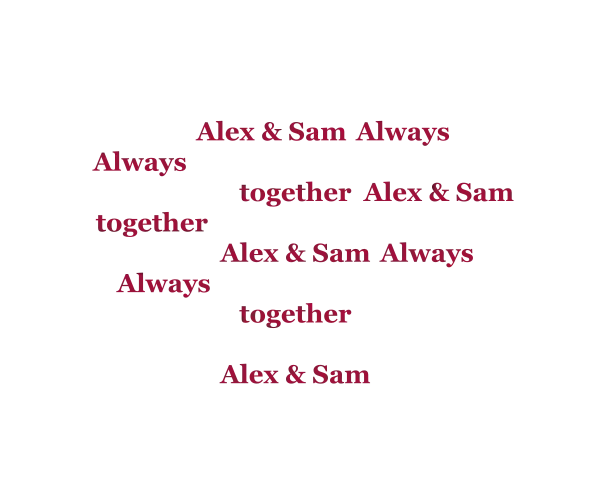
More export options
A design link carries the words and settings. SVG font rendering can vary by viewer.
Animations use a solid background and a maximum edge of 640 px. MP4 depends on browser encoding support.
Layout
Style
Words and shape
Names and examples
How to Use the Text Into Heart Shape Generator
Start with a couple of names, a line from a note, or a list of words. For a print or image, choose Heart Design and pick how the words should sit in the shape. For a message or bio, use Heart Art or Heart Fonts.
- Type or paste your words. Put each phrase on its own line if you want to keep names or short phrases together. You can also load a local TXT or CSV word list into the design editor.
- Pick a layout and check the preview. Adjust the font size and spacing in a design, or change the width or symbols in a copyable heart.
- Copy the text or export the design. The copy button in a text mode copies the characters and line breaks. A PNG keeps the layout you see in the design preview.
If a list is too long for the heart, check the placement count before you export. Auto fit tries a smaller type size. If a phrase still won't fit, shorten it or choose a layout with more room.
Shape Words Into a Heart for Names, Quotes, and Messages
Put Words Into a Heart Shape or Outline
To arrange words in the shape of a heart, start with a filled layout. Flow lays out the text in rows. Packed mixes larger and smaller words inside the same silhouette. Repeat a short set of words to fill the space, or use your exact entries when their order matters.
Use Outline when the message should follow the edge of the heart. Rings bring that curve inward in several bands. A short phrase can be easier to read along the edge than a full quote. Try widening the heart or increasing the spacing near the cleft and point if letters sit too close together.
Create a Heart With Words or Names in a Heart
For a single name in a heart, make the name the headline and fill the shape with a few shorter words. For two names, use the paired-names helper to choose a connector and add a date if you want one. A couple's names and anniversary date can fill a heart shape with words that mean something to them.
Before using the design on an invitation or sticker, check the preview at its intended size. Export a transparent PNG when the heart will sit on top of another graphic. Use a wider export margin if you want breathing room around the outline. SVG is an option for scaling a design, and font appearance can depend on the viewer if it uses live text.
Heart Shape Text Art and Copy-Paste Symbol Styles
Heart Shape Symbol Text for Chat and Social Bios
Heart art uses ordinary text characters, symbols, and line breaks. Use it to send a heart shape in a text message or decorate a profile. For example, a small outline made with ♡ can frame a short name. If you want to text a heart shape to someone, check how the compact preview looks before copying it.
A multiline heart has the most predictable spacing with a fixed-width font. Proportional fonts can change how the rows line up. Some message boxes also wrap long lines or trim leading spaces. Try the narrow width if the destination is likely to wrap. A single symbol or one-line decoration is easier to fit into a short bio.
Heart Shape Text Font and Romantic Lettering Styles
Heart Shaped Lettering vs. Heart Shaped Words
Heart-shaped lettering gives a line of text a decorative look. Try script or bold Unicode letters with a heart before and after a name. If a letter has no styled equivalent, the tool can carry the original character through. Some devices show a different glyph for the same heart character.
Heart-shaped words are an arrangement. The words collectively form the heart or travel along its outline. Use the design editor when you need that geometry for a card or social graphic. Use Heart Fonts when you want a decorated line you can paste as text.