01
Paste text
Add a caption, note, headline, list, or message to the source box. You can also import a small plain TXT file.
Browser Lowercase Converter
Convert pasted text to lowercase with copy and TXT download.
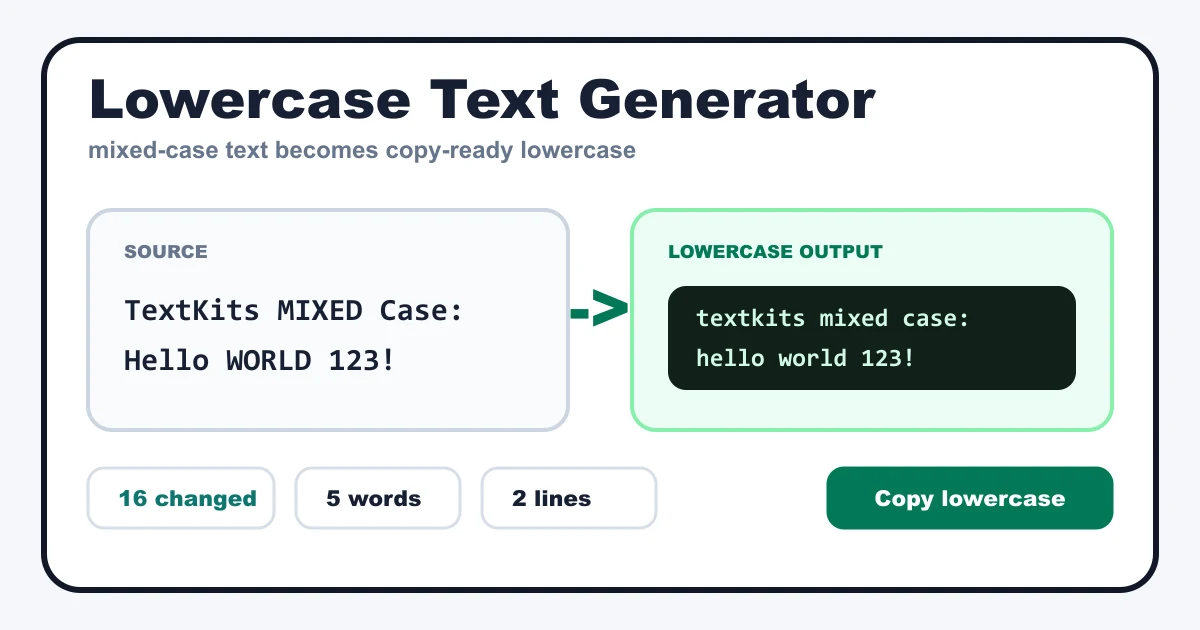
Use this lowercase text generator when a pasted sentence, caption, title, or note arrives in mixed case or all caps. The tool changes letters to lowercase while keeping numbers, punctuation, emoji, and line breaks in place, so the result stays ready for normal copying.
Add a caption, note, headline, list, or message to the source box. You can also import a small plain TXT file.
The lowercase output updates from the same text. Counts and changed-letter stats help you verify the result quickly.
Copy the lowercase text, compare compact case variants, or download the current lowercase result as a TXT file.
The primary output converts letters to lowercase. This lowercase text generator does not rewrite meaning, correct grammar, translate text, or decide which words should be capitalized for style. The status row shows character, word, line, and changed-letter counts so you can check a long paste without rereading every character.
Optional cleanup trims extra spaces on each line and keeps paragraph breaks readable. Leave cleanup off when exact spacing matters. Plain TXT import and download are included for text files only; the page does not claim document conversion or OCR.
Turn accidental uppercase messages into calmer lowercase text without retyping the whole line.
Normalize social captions, profile bios, and short notes while keeping punctuation and line breaks in place.
Use optional whitespace cleanup when pasted text has extra spaces from a web page, PDF viewer, or shared document.
Check uppercase, sentence case, title case, inverse case, alternating case, and random case without leaving the page.
Read the first and last line of important output before pasting it elsewhere. If the text uses language-specific casing rules, review the result once because browser case conversion should not be treated as a perfect language-aware editor. For everyday English notes, captions, bios, and support snippets, the lowercase text generator keeps the workflow simple: paste text, inspect the output, copy or download, and move on.
Common questions about lowercase conversion, caps lock cleanup, line breaks, TXT import, and deterministic browser-side text changes.
Convert mixed-case text to lowercase and keep lines intact.
Primary result
textkits mixed case: hello world 123!
Sample preview shown; enter text to copy or download.
Secondary outputs
These rows are secondary helpers. The lowercase result above stays the main output.
All letters converted to uppercase.
TEXTKITS MIXED CASE: HELLO WORLD 123!
Lowercase text with sentence starts capitalized.
Textkits mixed case: hello world 123!
Each word starts with a capital letter.
Textkits Mixed Case: Hello World 123!
A compact word-capitalized variant.
Textkits Mixed Case: Hello World 123!
Alternates lowercase and uppercase letters.
tExTkItS mIxEd CaSe: HeLlO wOrLd 123!
Flips uppercase letters to lowercase and lowercase letters to uppercase.
tEXTkITS mixed cASE: hELLO world 123!
Deterministic mixed-case variant for comparison.
TEXtkITS Mixed CaSe: helLO WorLd 123!
Runs locally in your browser.