Fancy Text Back To Plain Text

Convert This Font to Normal

Remove text font styling, normalize Unicode text, and turn fancy copy-paste text back intoRead more

a clean plain-text version you can actually reuse.

How Convert This Font to Normal works

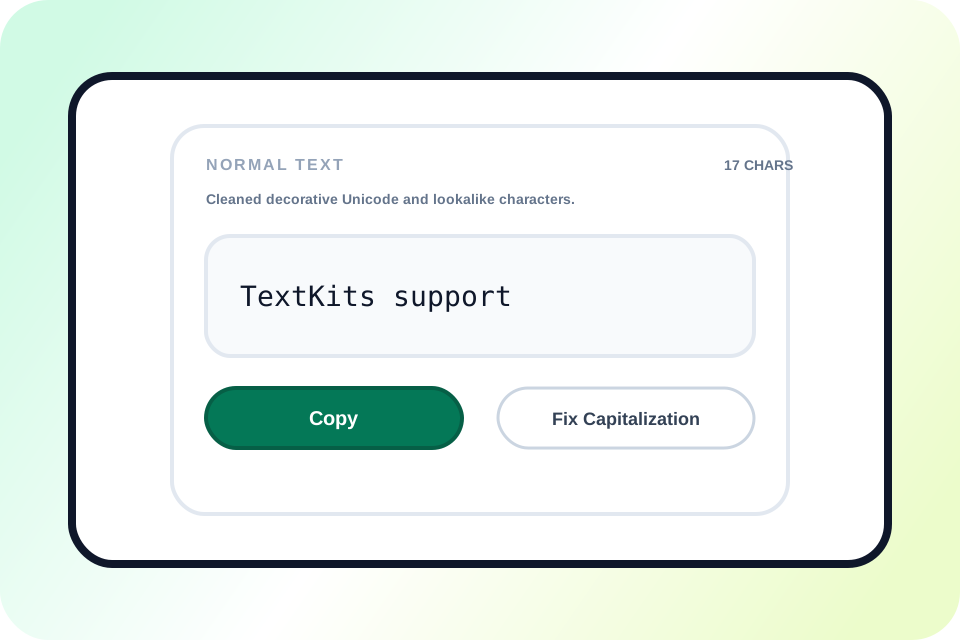
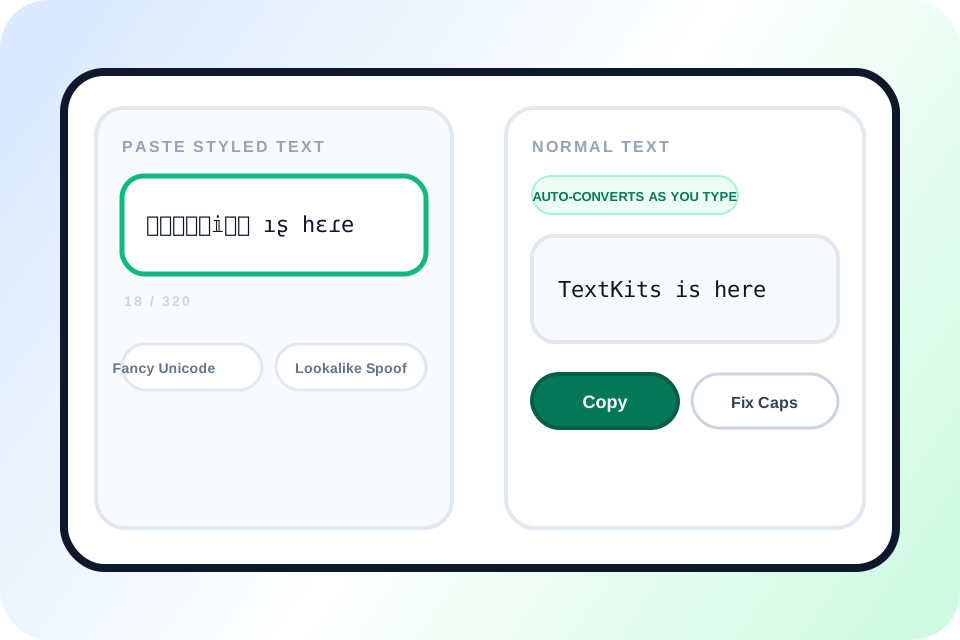
The visible workflow is simple: paste the styled text, watch the normal version update live, copy it, and optionally fix capitalization.

Input Text
𝕋𝕖𝕩𝕩𝕀𝕚𝕥𝕤 ıʂ հεɾе
Fancy Unicode, flipped letters, and decorative wrappers can all start from the same paste box.
1

Paste styled text

Drop in fancy Unicode, boxed letters, glitch marks, or text that looks normal but behaves strangely after copy and paste.
Normal Text
Auto-converts as you type
TextKits is here
You do not need a separate convert button. The cleaned output appears live in the right panel.
2

See the normal text update live

The output updates automatically as you type or paste, so you can immediately see the cleaned version in the Normal text panel.

Output Actions
TextKits is here
Copy
The main action is simple: copy the cleaned line when it looks right.
3

Copy the cleaned result

Once the result looks right, copy the plain-text version and paste it into your message, document, profile, or form.

Output
TextKits is here.
CopyFix Capitalization
This step is optional. Use it only if the output still looks like mixed meme casing.
4

Optionally fix capitalization

Use Fix capitalization only when the cleaned text still reads like mixed meme casing instead of normal writing.

What makes this text-normalizing workflow useful

See how removing text font styling, Unicode normalization, and copy-ready output work together on one page.

Styled Unicode text converted into clean plain text with live copy tools

Why this convert-this-font-to-normal workflow feels practical

Most people searching Convert This Font to Normal do not want font detection. They just want to remove text font styling fast and get a version they can read, edit, and reuse without fighting weird characters.

It also does more than strip fancy text. It can normalize Unicode text too, which helps when copy and paste breaks search, forms, or notes. If you want to style the text up again after cleaning it, the weird text generator is a useful companion.

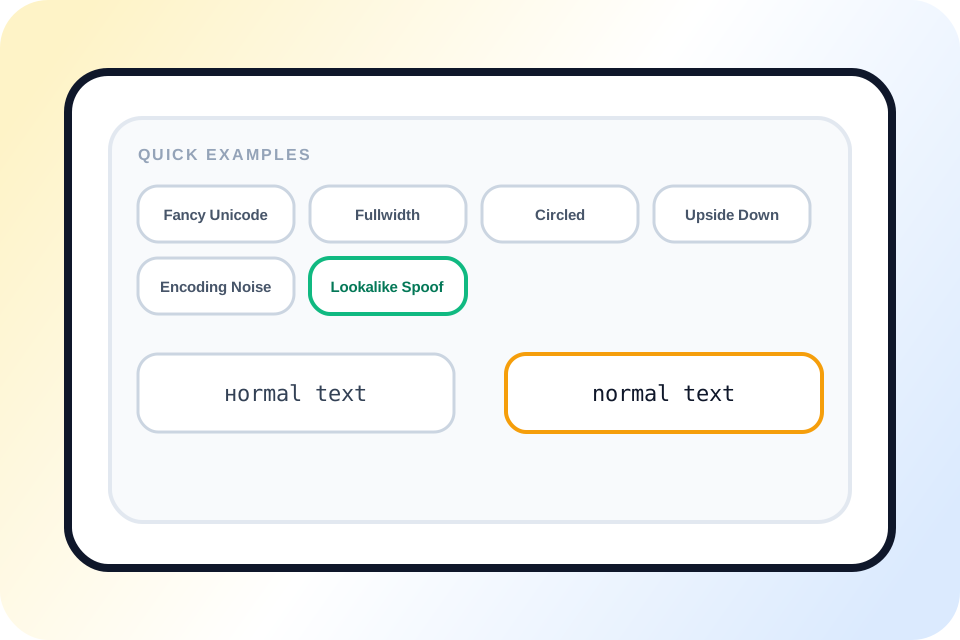
Quick examples clean lookalike Unicode text into normal plain text

One page can unstyle several kinds of broken or decorative text

This page can unstyle more than one kind of messy text. Fancy Unicode, boxed letters, upside-down text, weird separators, and some spoofed lookalike characters can all show up here.

You do not need to know what style caused the problem first. Paste the text, check the cleaned result, and copy it if it looks right. If you want the messy effect instead of the cleanup path, the corrupt text generator and upside-down text generator cover those styles directly.

Clean plain text output with character count, copy, and capitalization fix

Plain-text output matters more than perfect style analysis

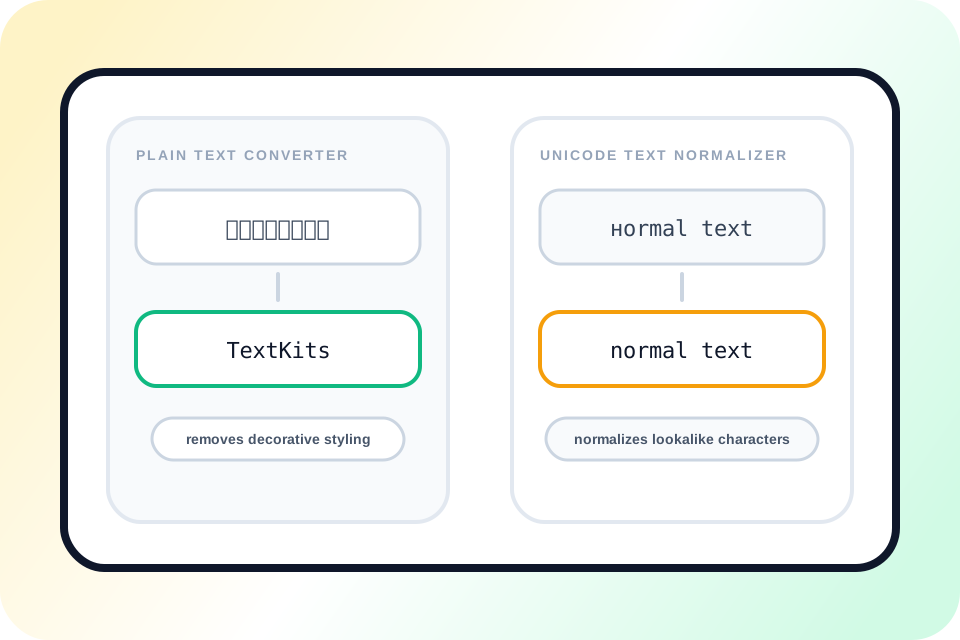
The point is simple: give you clean text you can use right away. As a Plain Text Converter, it turns decorative or broken text into something you can paste into a message, doc, CMS, support ticket, or spreadsheet.

It also works like a lightweight Unicode Text Normalizer, so the result is easier to reuse, not just easier to read. If the line still looks like mixed meme casing, hit Fix capitalization before you copy it.

More ways to use Convert This Font to Normal well

See where this workflow helps most, when cleanup is approximate, and what to check before you trust the final plain-text output.

Reusable plain text ready for bios, notes, CMS fields, and support copy

Best uses for Convert This Font to Normal

Convert This Font to Normal works best when the words are fine, but the styling gets in the way. That includes bios, usernames, copied comments, support examples, notes, and short bits of marketing copy.

It is also handy when messy text comes in from user input or other tools. Clean it once, then move it into a CMS, spreadsheet, note, or search box. If you want to style it again after that, old timey text generator is one possible follow-up.

Decorative font cleanup compared with Unicode lookalike normalization

Why this page acts like both a Plain Text Converter and a Unicode Text Normalizer

Sometimes you just want to remove text font styling. In that case, this page behaves like a direct Plain Text Converter: paste the text, get the clean version, copy it, done.

Other times the text looks normal, but still breaks copy and paste, search, or matching. That is where the Unicode Text Normalizer side helps. It tries to turn those characters into a more stable plain-text version.

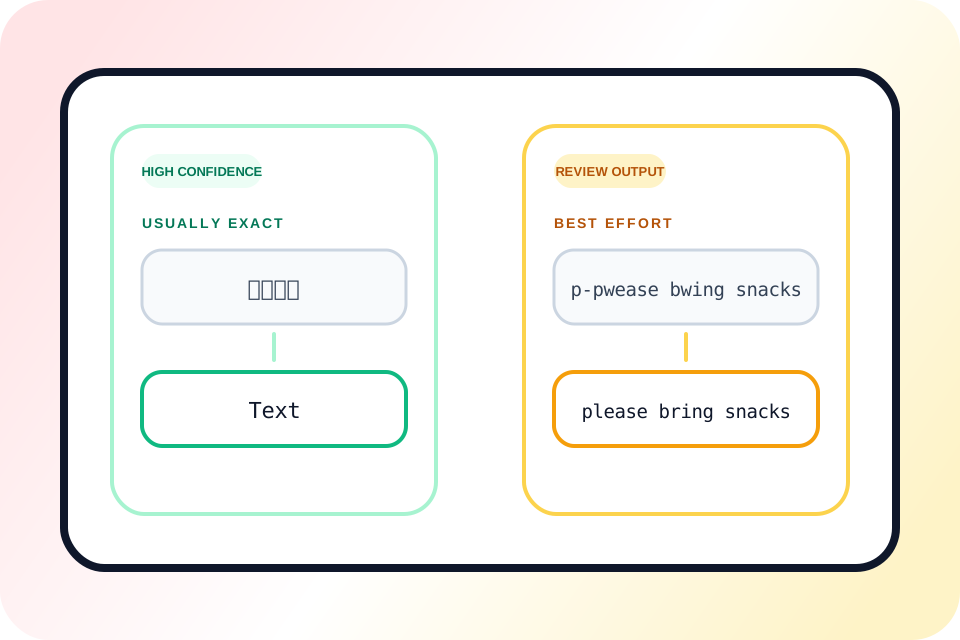
Exact cleanup compared with best-effort restoration for altered Unicode text

Why some restored results are exact and others are only best-effort

Decorative Unicode is usually the easiest case. Circled text, boxed letters, flipped text, and similar styles often convert back cleanly because the original wording is still there under the decoration.

Other cases are messier. Uwu text can change the wording, spoof cleanup depends on which lookalike letters were used, and encoding repair only covers common broken-text patterns. So if the output matters, give it a quick check before using it.

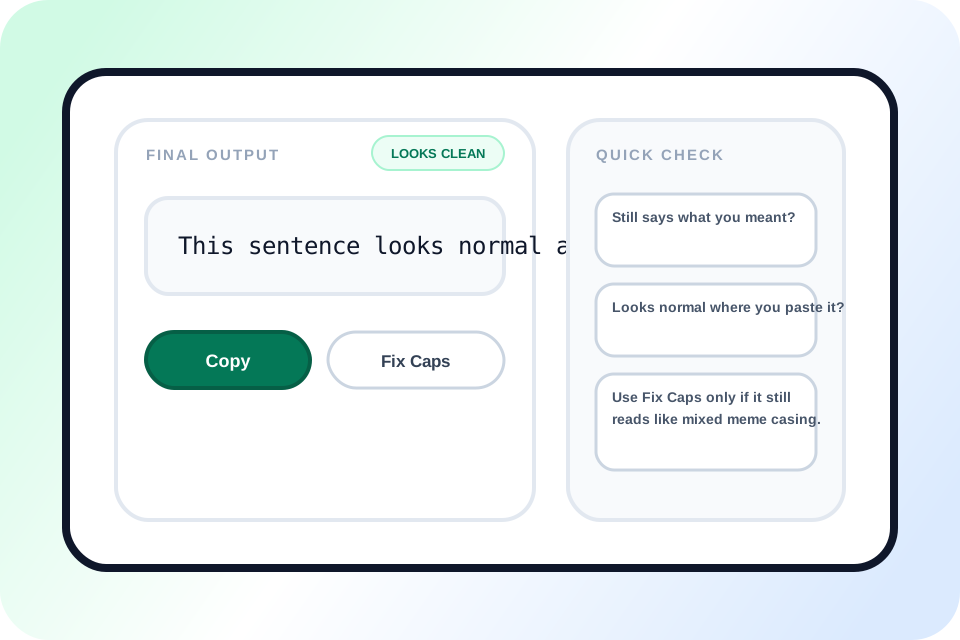
Final plain text check with copy and optional capitalization correction

Tips before you copy the cleaned result

Best habit: paste the full line first and let the page do the first cleanup pass before you start editing by hand.

Before you copy it, check two things: does it still say what you meant, and does it look normal where you plan to paste it? If it still looks like meme casing, use Fix capitalization. If not, just copy it.

Convert this font to normal FAQ

Use these quick answers to understand how Convert This Font to Normal handles fancy text cleanup, Unicode normalization, approximate recovery, and plain-text output.

Does Convert This Font to Normal work for fancy text from social media?

+
Yes. This page is built for copyable styled text that comes from places like Instagram bios, TikTok captions, X posts, Discord messages, usernames, and copied profile text. If the text looks like a special font but is really decorative Unicode or related text styling, the tool can usually turn it back into a cleaner normal version.

Can this tool remove text font styling without changing the meaning?

+
That is the main goal. The page tries to remove text font styling while keeping the wording, reading order, and core meaning intact. Most decorative Unicode styles are good candidates for this kind of cleanup, although heavily altered slang or intentionally distorted text may still need one quick human check before reuse.

Is this page a Plain Text Converter or a Unicode Text Normalizer?

+
It works as both. As a Plain Text Converter, it strips decorative pseudo-font styling and gives you a copy-ready result. As a Unicode Text Normalizer, it also tries to clean up lookalike characters, flipped text, compatibility forms, and some common encoding noise so the output behaves more like normal plain text.

What does unstyle mean on this page?

+
Here, unstyle means removing decorative or compatibility-heavy character styling so the line becomes easier to read, edit, search, and reuse. It does not mean making the text dull for its own sake. It means taking away the part that gets in the way and returning the wording to a more normal plain-text state.

Can it normalize Unicode text that looks normal but behaves strangely?

+
Yes. That is one of the most useful parts of the workflow. Some text looks almost normal but breaks search, matching, sorting, or copy-and-paste behavior because the underlying Unicode characters are not standard. This page can normalize Unicode text in many of those common cases so the result becomes more stable.

Why are some restored results exact while others are only best-effort?

+
Decorative Unicode alphabets are often reversible because the original letters are still there under the styling. Other cases are less exact. Uwu text can change the wording itself, spoof cleanup depends on which lookalike characters were used, and encoding repair is targeted at common corruption rather than every possible broken-text pattern.

Do I need to click a convert button before I copy the result?

+
No. The result updates live as you type or paste, so the workflow stays simple: paste the text, review the clean output, then copy it. If the cleaned line still looks like meme casing instead of normal writing, use Fix capitalization as an optional second step rather than part of the main conversion.