TextKits

Make Text Vewy Kawaii

Uwu Text Generator

Your Text

48 / 1000

Preview

Pw-Pwease wemembew to bwing snyacks fow movie nyight! (˘ ᵕ ˘)
61 chars

Intensity

Add-ons

Protect

Classic mode keeps the balance between cute and readable.

How does this cute text magic work?

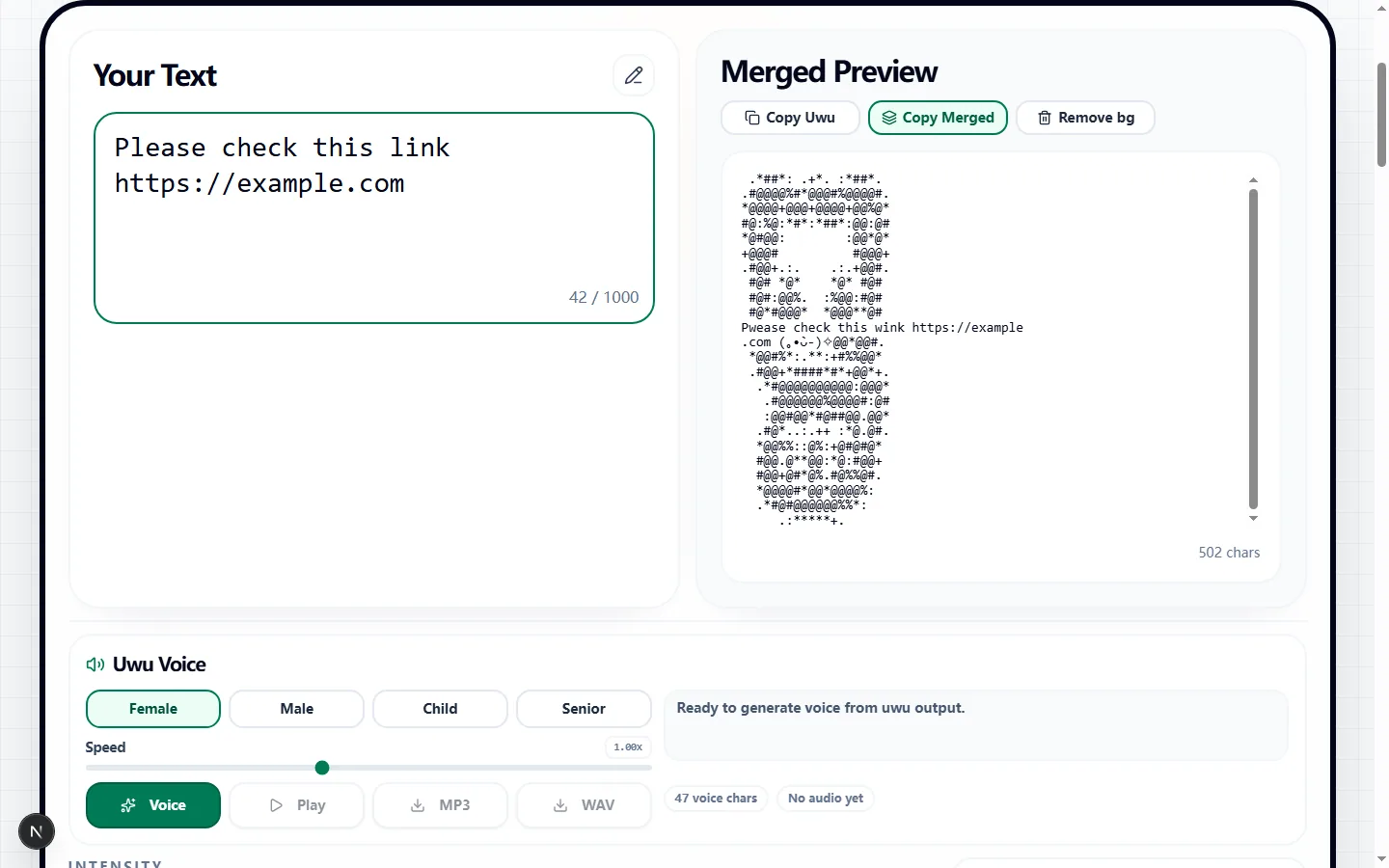
Our uwu text generator instantly rewrites your typed words right in your browser. If you use the Classic mode, you get that familiar, loveable uwu vibe. If you want to go extreme or keep it subtle, you can dial the intensity up or down without breaking your sentence structure.

The best part? This tool is smart enough to protect your links, @mentions, and hashtags so you don't ruin your social media posts while trying to sound cute!

Why do we let you customize the chaos?

We built the intensity slider into our uwu text generator because not every message needs a million blushing faces. You can layer on extra stutters, emojis, or go full 'owo' mode when you need it, making it super practical for everyday chats with your friends.

What this uwu text generator helps with

Use this uwu text generator when you need to make plain text sound softer, cuter, or more chaotic without opening a heavy editor or learning a special format first. It is made for people who want cute uwu or owo-style text without rewriting every sentence by hand, so the page keeps the input, preview, and output close together instead of hiding the useful controls behind a setup flow.

That makes the uwu text generator best for quick text jobs like chat replies, playful captions, roleplay lines, profile blurbs, meme text, and cute status updates. In those moments, you usually already know the words you want to use. The value is seeing a clean result, adjusting it fast, and moving it into the app, post, sign, server, or document where it belongs.

How the uwu text generator workflow works

The uwu text generator workflow is built around one loop: write the source text, change the style, check the preview, then copy or export the result. The controls cover soft mode, classic mode, chaotic mode, owo mode, faces, stutters, emojis, protection, and copy output, which gives you enough range without making the page feel like a full design program.

The live preview matters because small formatting choices can change the result quickly. If the text looks too crowded, too quiet, too strange, or too hard to read, you can fix it before copying. A useful uwu text generator should make those problems visible early, while the text is still easy to change.

Best uses for the uwu text generator

The strongest results usually start with short, clear text. A uwu text generator can change the presentation, but it cannot rescue a message that is too long or confusing before the styling begins. Keep the source sentence simple, then use the tool to shape the final look.

This is especially important when the output is going into a public place such as a profile, chat, caption, booth, board, or server announcement. The uwu text generator should add the effect you want while keeping the message easy to understand at the speed people will actually read it.

Tips for cleaner uwu text generator results

The fastest way to improve a result is to test a plain version first. Type the message, make one basic output, and ask whether it already solves the job. After that, add more style only where it helps. This keeps the uwu text generator useful for real copy-paste work instead of turning every result into a noisy experiment.

For most users, the practical rule is: protect links, mentions, and hashtags when you want the cute style without breaking important text. That habit makes the uwu text generator more reliable, especially when another person needs to read the result quickly. The tool can generate options, but the final choice should still feel intentional.

What to check before using the output

Before you leave the uwu text generator, look at the preview and ask one plain question: would someone understand this immediately? If the answer is no, shorten the source text, lower the intensity, or choose a simpler setting. The best output usually feels obvious, not overworked.

There is also one practical warning: too many add-ons can make the message hard to read, so turn the intensity down when the sentence is long. That does not make the uwu text generator less useful. It just means the safest workflow is to copy or export the result, test it once in the target app, and make one final adjustment if the platform displays it differently.

Why the uwu text generator stays practical

A practical uwu text generator should save time at the handoff point. You should be able to try a few versions, keep the one that works, and avoid rebuilding the same phrase by hand. That matters most for small text tasks where the goal is not a perfect design file, but a result you can use right away.

It also helps when you are comparing ideas. Keep one source line, change the settings, and let the uwu text generator show the differences. Small shifts in size, style, color, intensity, or formatting can change the tone of short public text, and comparing those versions in one place makes the final choice easier.

Common uwu text generator mistakes to avoid

The biggest mistake is treating the effect as the whole message. If every setting is pushed to the maximum, the output may look busy but stop communicating. Use the uwu text generator to support the words, not bury them.

Another mistake is assuming every destination will display the result exactly like the preview. Keep a plain backup of the original text, paste the output into the target app once, and adjust if needed. That small check makes the uwu text generator more dependable for real use and keeps the workflow focused on the actual next step.

Uwu text generator FAQ

Got questions on how to safely uwu-ify your text without breaking links? We've got the answers right here!

Will my links and mentions get ruined?+
Not at all! As long as you keep the protection feature on, our uwu text generator will wrap its cuteness around your URLs and tags without breaking them.
Can I dial down the intense faces and stutters?+
You sure can! Just flip the tool into Soft mode if you want a mild aesthetic, or keep it on Classic for that perfect balance of cute and readable chat text.
Does my text get sent to a server?+
Nope! Every bit of the uwu translation happens locally on your own device, which means everything is lightning fast and totally private.