Unofficial Java Edition Utility

Minecraft Sign Text Generator

Use this Minecraft sign text generator to design four front lines, review an optionalRead more

back side, and copy a version-scoped Java /give, /setblock, or /data command without an account.

Visual workflow

Preview the command and both sign faces

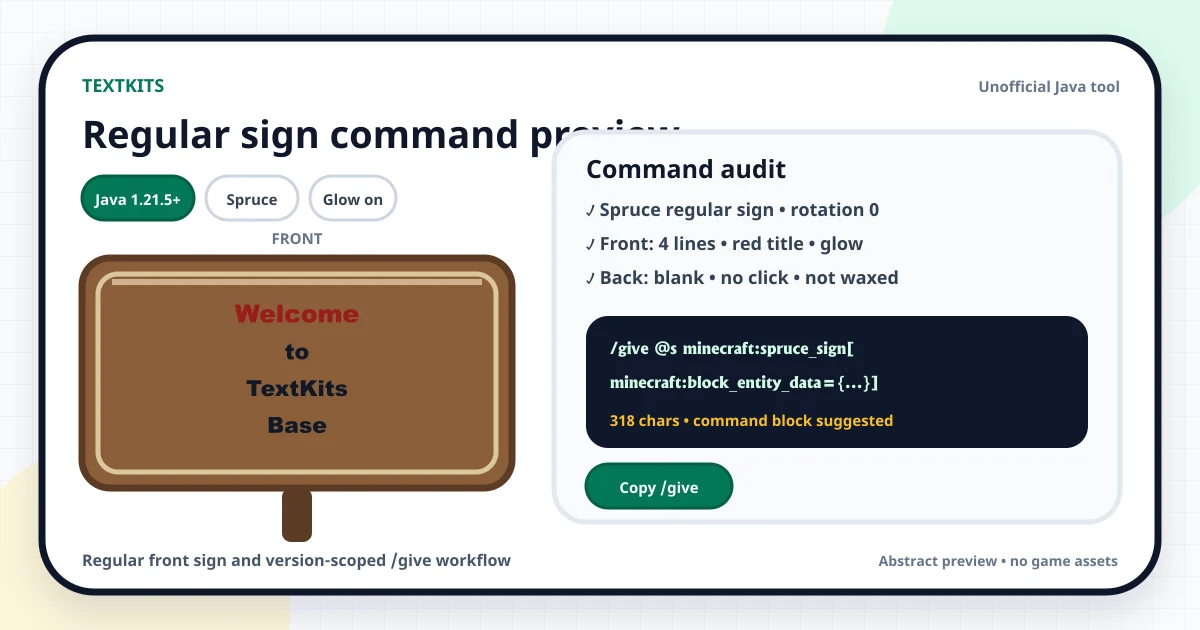
Abstract spruce sign with four front lines beside a version-scoped Java give command audit
A regular spruce sign preview with four styled front lines, Java 1.21.5+ context, and a bounded command audit.
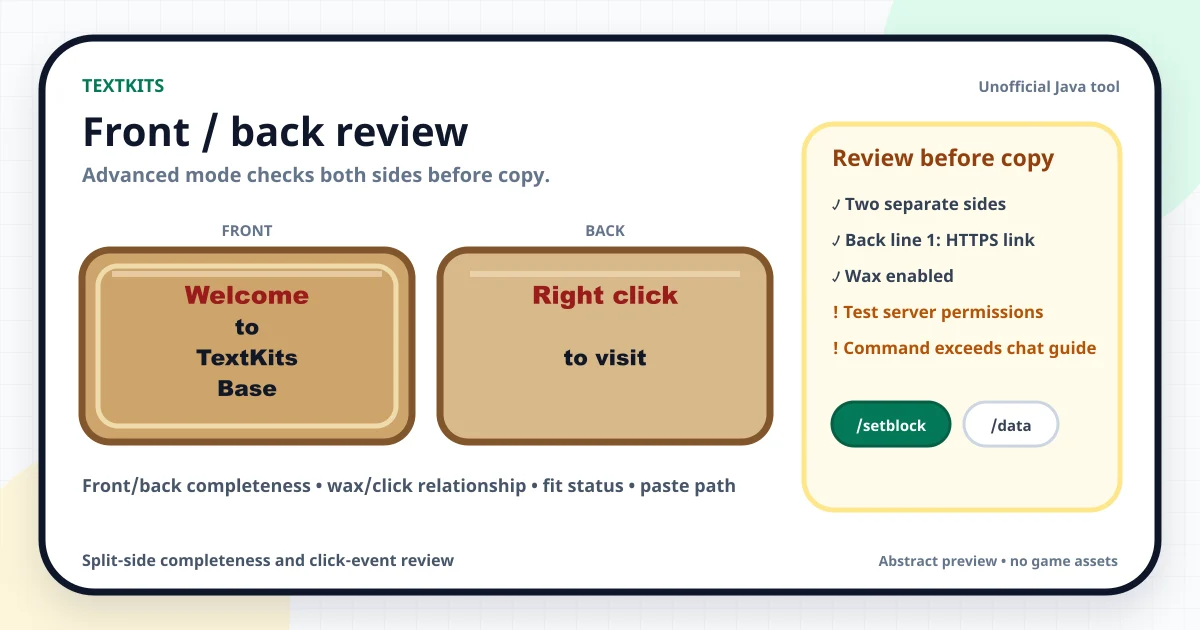
Abstract front and back Java sign review with wax, click-event, fit, and paste warnings
The Advanced split-side review showing separate front and back text plus wax, click-event, and paste-path guidance.

Fast workflow

How to make a Java sign command

Choose the Java profile that matches your game: 1.21.5+, exactly 1.21.4, or 1.20.5 through 1.21.3. The profile matters because item and embedded text-component syntax changed between releases. Then pick a regular or hanging sign and a supported wood. Placement, facing, and rotation appear where they affect the block command.

Write the four front lines, choose a color for each line, and apply bold, italic, underline, or strikethrough where useful. Glow is a side-level setting. Open Advanced when you need different back text, wax, a validated click template, target or coordinate helpers, configuration sharing, or the optional four-line decorative helper.

Review the abstract preview, fit estimates, side warnings, command length, and plain-language audit before copying. The tool does not silently shorten text and it never sends a command to a world or server.

Three outputs

Choose /give, /setblock, or /data

Use /give when you want a configured sign item before placing it. The target helper defaults to @s, so the command gives the item to the player who runs it. Change the target only when you understand Java target selectors and have permission to use them.

Use /setblock when you know the destination and want to place the configured sign directly. Coordinates accept bounded absolute, relative, or local values. A regular floor sign uses rotation, a wall sign uses a facing direction, and a hanging sign uses the matching ceiling or wall block form.

Use /data to merge front text, back text, glow, and wax state into an existing sign block. This output does not place a new block. Every output shows a character count and paste-path note. Long sign commands often need a command block or server console instead of ordinary chat, and a server may impose its own rules.

Front and back

Review wax and click behavior before copy

Modern Java signs can hold separate content on the front and back. Advanced mode provides a split review that calls out a blank back, duplicated front and back text, side-specific glow, crowded lines, and click behavior that needs another look. These are workflow checks, not in-game validation.

Click actions are optional and line-specific. Select a template for running a command, suggesting a command, opening an http or https URL, or copying text. TextKits validates the value shape and places it in the selected Java component format; it never opens the link, runs the command, or transmits the value.

A command-enabled sign and its effect may require operator permissions or be restricted by server rules. Wax is available because it prevents normal editing and is commonly paired with interactive signs, but the paste gate still asks you to review the exact value and environment.

Readable signs

Use fit guidance without losing your text

A technically valid command can still create a crowded sign. The fit advisor estimates each line with a small, bounded character-width map and warns when the row approaches an approximate 90-pixel guide. Bold characters and wide Unicode symbols receive extra weight. The result is deliberately conservative and may differ from the final game, a resource pack, or another font.

Balance words is an explicit, opt-in helper. It redistributes the current side across four editable rows and never overwrites text until you press the button. For decoration text, the one-glyph helper converts one selected letter or number into exactly four block-character rows. It is a small sign-layout aid, not a separate large-build planner or an unlimited font library.

Local and portable

Save a sign template without an account

Share Link stores a bounded editor configuration in the URL hash, so another browser can reopen the same settings. Save local keeps one configuration in this browser. Export JSON creates a versioned configuration file, and Import JSON validates a selected file before replacing current work. Malformed or oversized data is rejected without erasing the valid sign on screen.

These actions save configuration, not an executable job. Text and click values remain local unless you deliberately copy a link, download JSON, or paste a generated command somewhere else.

Scope limits

Java-only, abstract, and unofficial

This page supports the three Java ranges shown in the tool and two documented serialization families. Earlier releases are outside its tested scope. A later Java update may change command data again, so choose the displayed profile carefully and test valuable builds in a safe copy of your world.

This is not a Bedrock command tool, a mod compatibility checker, or an in-game validator. It does not connect to a server, verify permission level, guarantee plugin behavior, or export a sign image. The preview uses generic TextKits geometry and colors instead of official artwork, copied textures, game screenshots, logos, or a proprietary game font.

TextKits is an independent, unofficial utility and is not affiliated with or endorsed by Mojang or Microsoft.

Minecraft sign text generator FAQ

Practical answers about supported Java profiles, command length, front and back signs, click behavior, fit estimates, and reusable local configurations.

Is this Minecraft sign text generator free?

+
Yes. The editor, preview, command outputs, share link, one-slot local save, and JSON tools work without an account. TextKits does not provide a community gallery or cloud profile for this tool.

Which Java versions are supported?

+
Choose Java 1.21.5+, exactly Java 1.21.4, or Java 1.20.5 through 1.21.3. The split exists because Java changed item components and later changed embedded text-component and click-event formats. Versions before 1.20.5 are not offered.

Why is my sign command too long for chat?

+
Styled front and back text, click actions, and item data can create a long command. Check the live character count and paste guidance. A command block or server console may be required, and a server can impose its own limits.

What is the difference between regular and hanging signs?

+
They use different item and block identifiers. A regular sign can stand on a block or attach to a wall. A hanging sign can hang from a ceiling support or use its wall form. The selected type updates the preview, command, and audit together.

Can the tool create different text on both sides?

+
Yes. Open Advanced, add back text, and use split review to check both faces. Front and back can have separate lines, colors, formatting, glow, and click values within the selected Java profile.

Are click events safe to use?

+
The page validates supported action formats but cannot decide whether a command or URL is trustworthy. Review every value, use only links you recognize, and follow the permission and moderation rules for your world or server. TextKits never executes or transmits the value.

Is the fit indicator exact?

+
No. It is a conservative design check based on approximate character widths. Resource packs, fonts, version behavior, and formatting can change the final appearance. The editor does not call the preview pixel-perfect and never truncates a line silently.

Can I reuse a sign template?

+
Yes, if template means the current editor configuration. Save one setup locally, copy its Share Link, or export JSON. The page does not provide downloadable graphic templates.