Shared Input
classroom labels
Left Side
Copy results
Right Side
Printable preview
1
Boxed Text + Printable Sheets
Copy boxed Unicode, switch to steadier plain-text styles, or export clean printable sheets when the boxed look needs to stay exact.
For copy-ready text
For printable sheets
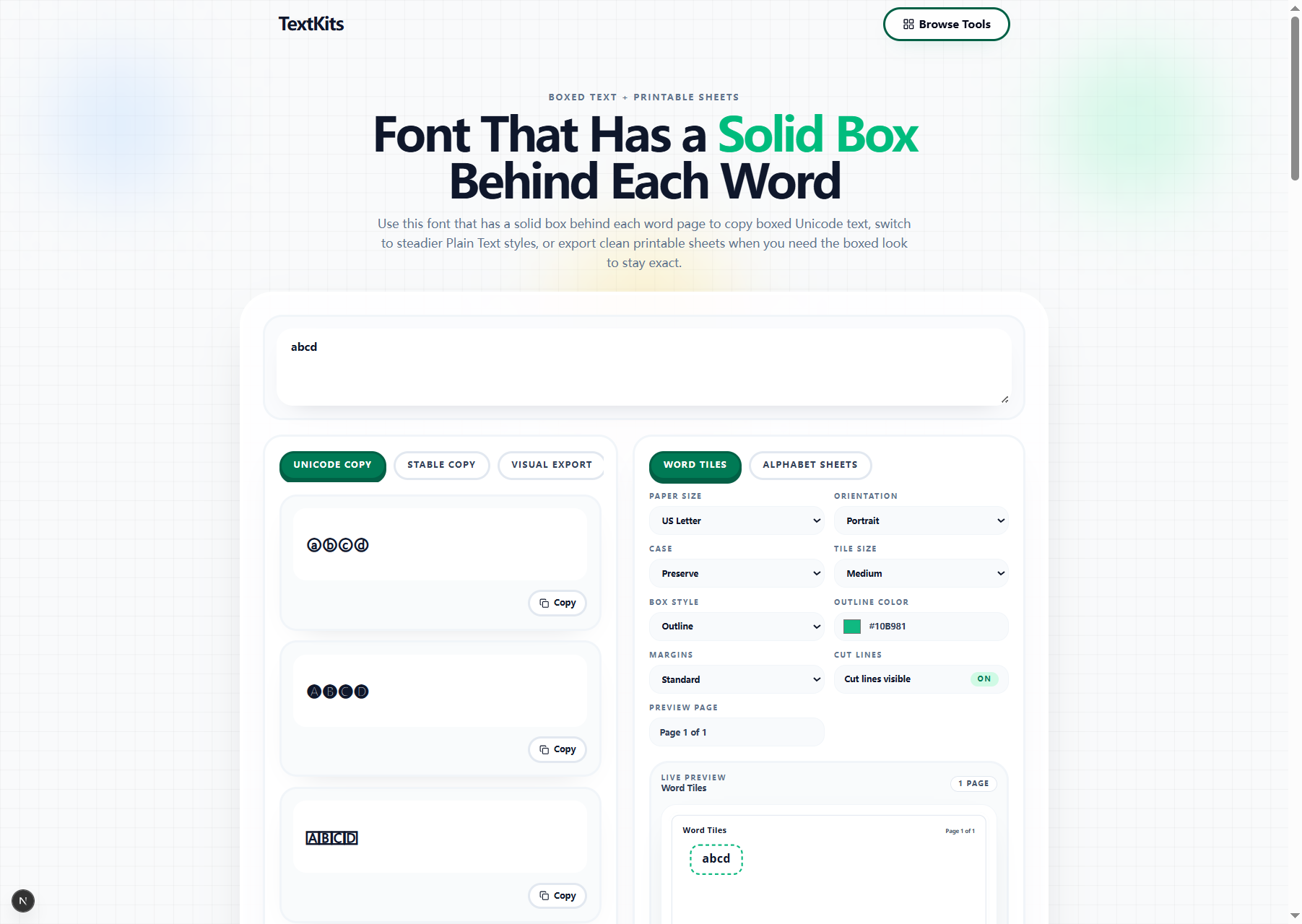
Use Unicode Copy when you want fast boxed text for a caption, label, bio, or short post. It is the quickest way to turn plain text into a boxed style you can paste somewhere else.
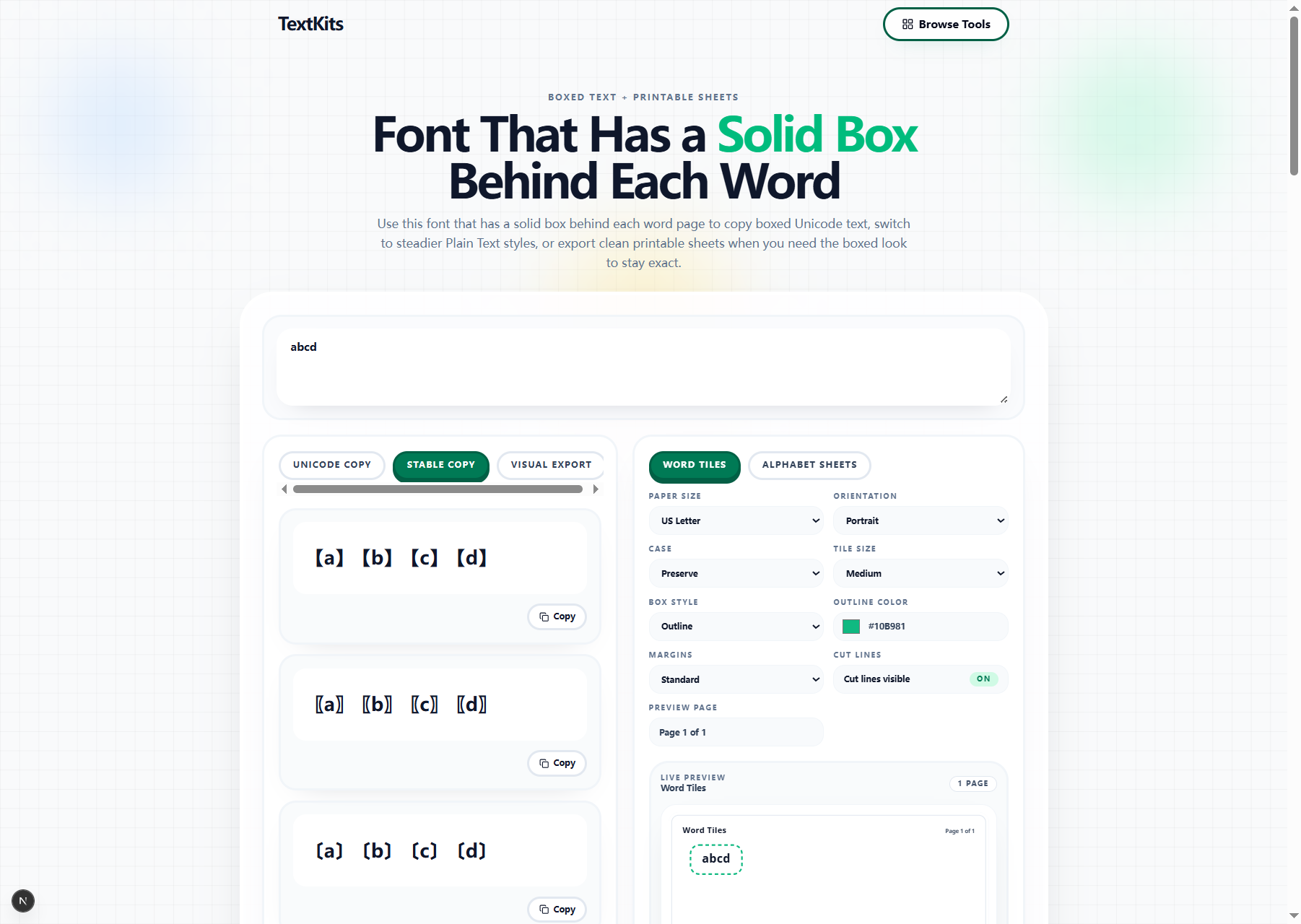
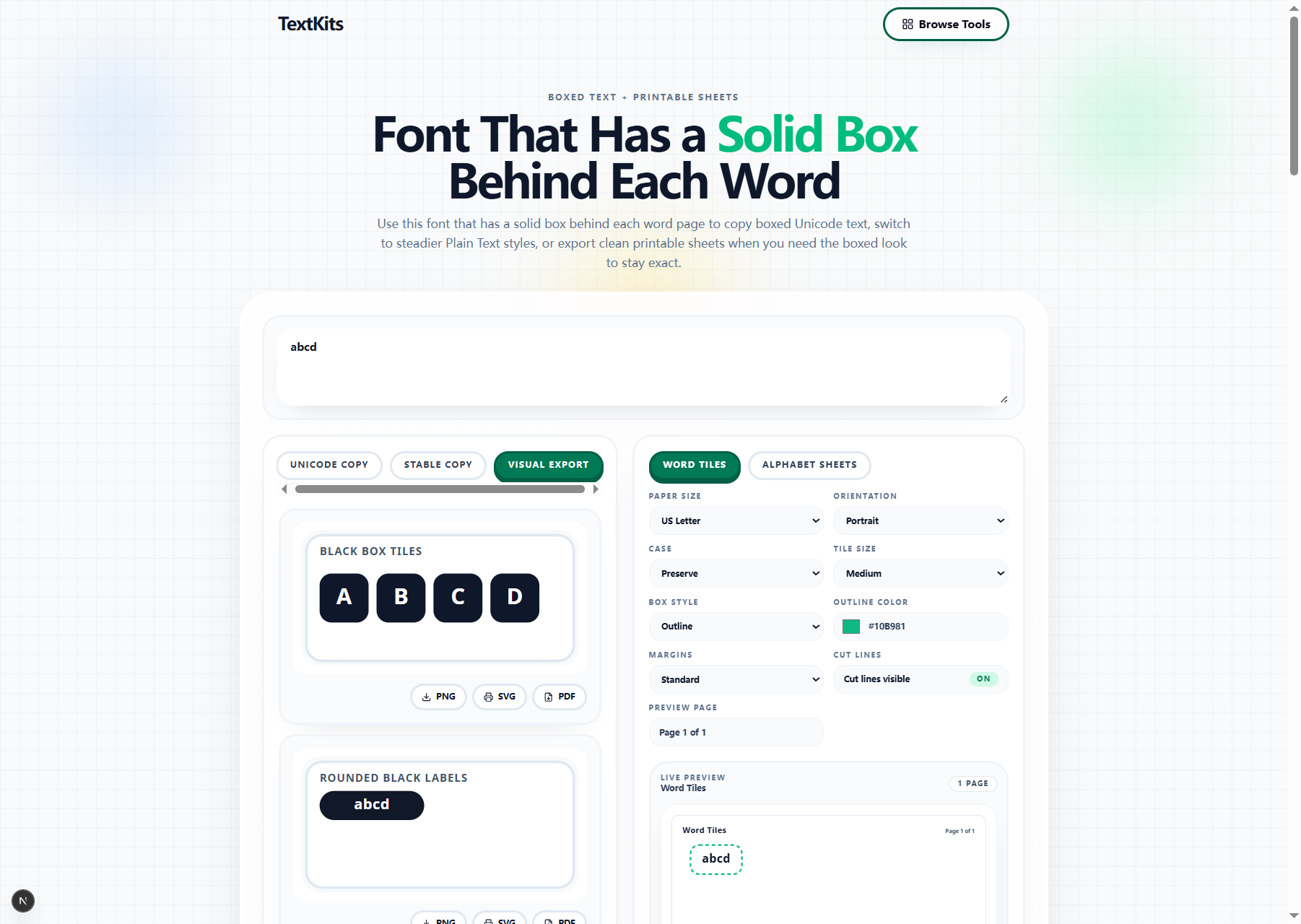
Use Stable Copy when you need plainer text that behaves more predictably in notes, documents, or simple editors. Use Visual Export or printable sheets when the boxed look needs to stay exact.
Boxed Unicode works well for short text when you mainly care about speed. These characters are fast to copy, easy to paste, and useful for short labels or headings.
Some apps render boxed Unicode differently, so Stable Copy is safer when compatibility matters and Visual Export is stronger when appearance matters. Pick the mode based on where the result is going next.
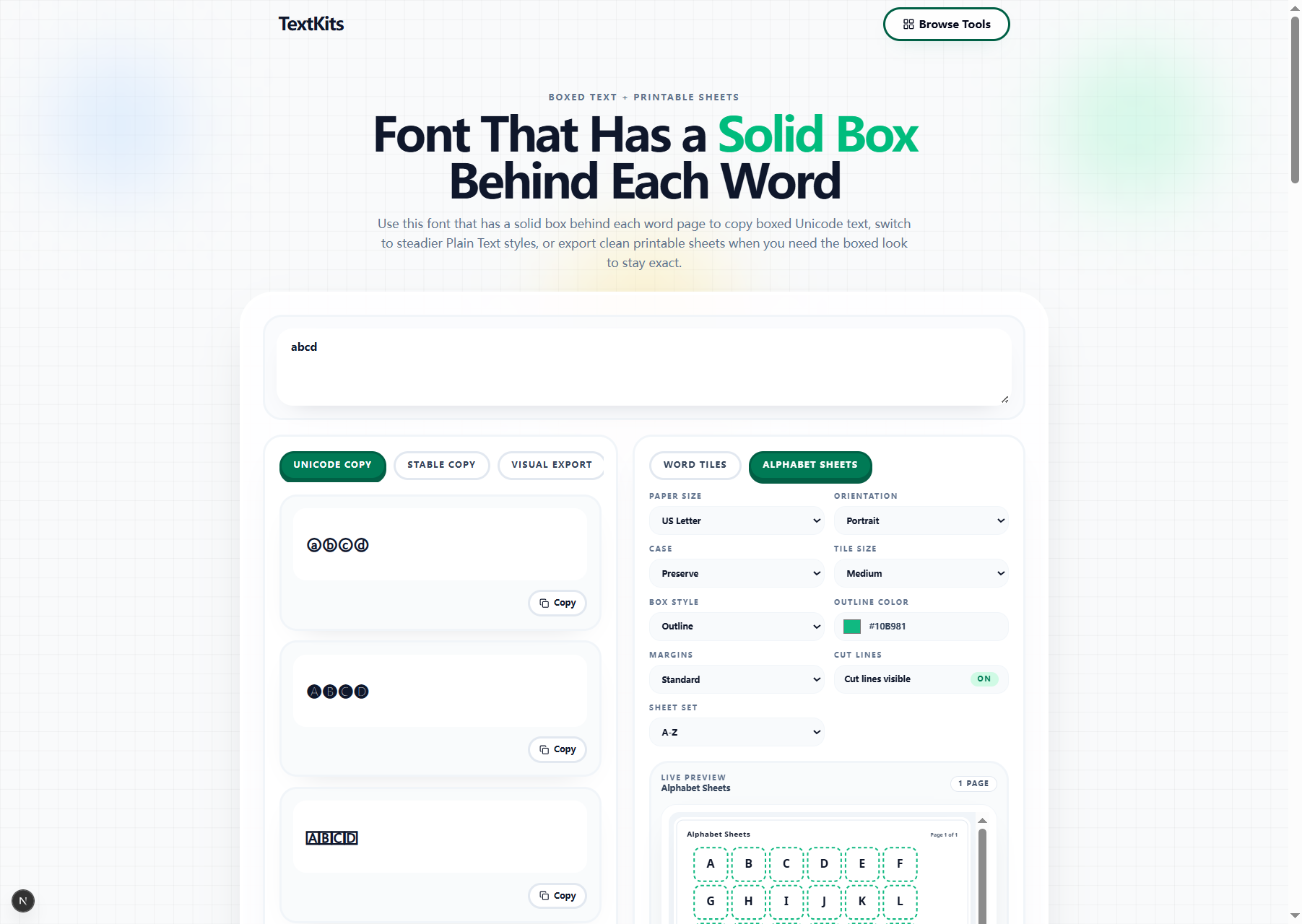
Printable sheets are useful when you need word tiles, alphabet cards, labels, or other clean box layouts on paper. Teachers, parents, and creators can prepare those layouts without rebuilding them in a design app.
Word Tiles and Alphabet Sheets let you adjust case, tile size, margins, box style, and cut lines before export. That makes it easier to produce a clean sheet on the first pass.
Unicode Copy is the best place to start when speed matters more than perfect visual consistency. It works well for short bios, quick captions, headings, labels, usernames, and other places where you want a boxed feel without exporting a file first.
Keep the text short and test the result where you plan to paste it. That is the honest rule with any boxed Unicode style. If the platform renders it well, this is usually the fastest route from plain words to styled output.
Stable Copy is for the moments when Unicode feels too risky. These styles look plainer, but they are often easier to work with in notes, documents, lightweight editors, or places where decorative Unicode gets flattened or replaced.
It is a good fallback when you still want a boxed look but need the output to behave more like ordinary text. If you are making study notes, internal labels, or simple copy blocks, Stable Copy is often the calmer and more reliable choice.
For printable work, start by choosing the right mode first. Word Tiles are better for short vocabulary, classroom labels, and sight words. Alphabet Sheets are better when you need a full set of letters to cut, sort, or post on a wall.
From there, adjust only the settings that change readability: tile size, case, margins, and box style. The preview is there to help you keep the page clean. If the sheet looks crowded on screen, it will feel crowded on paper too.
Before you copy a style, ask one simple question: will this still be readable where I plan to use it? If the answer is maybe not, shorten the text or choose a simpler boxed result. A tighter phrase usually looks better than a long decorative line.
Before you export, match the format to the job. PNG is fine for quick sharing, SVG is better when you may scale the result later, and PDF is the easiest path when you want a printable sheet. The tool works best when the format matches the next step.
Use these quick answers to compare boxed Unicode, steadier plain-text modes, and printable exports. If you want a broader gallery of decorative Unicode before committing to a boxed look, open Styled Text Font Style.
Live preview
Word Tiles