Honest output labels
The burning text generator separates visual PNG, animated GIF, and text-only copy fallback so every output is clear.
Fire-style text with PNG, GIF, and backgrounds
fallback, and download PNG or animated GIF output.
Preview examples
These static previews show the base burning render and two stacked effect modes from the same generator: echo trails and circular text.
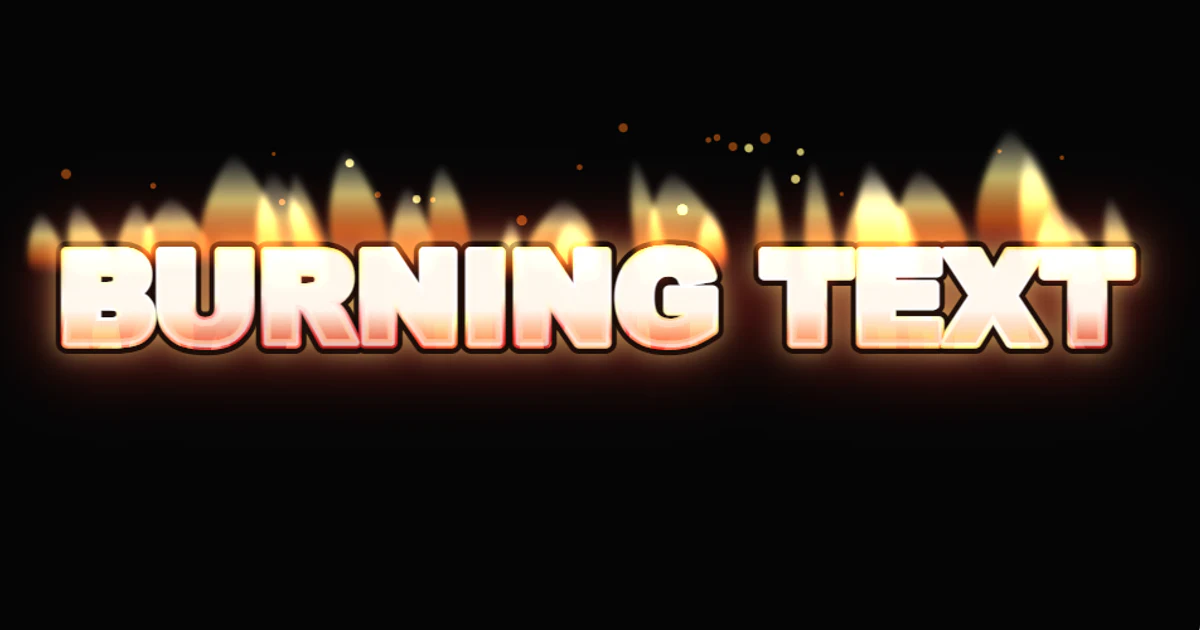
Base fire-style text with flame edges and a bright hot core.
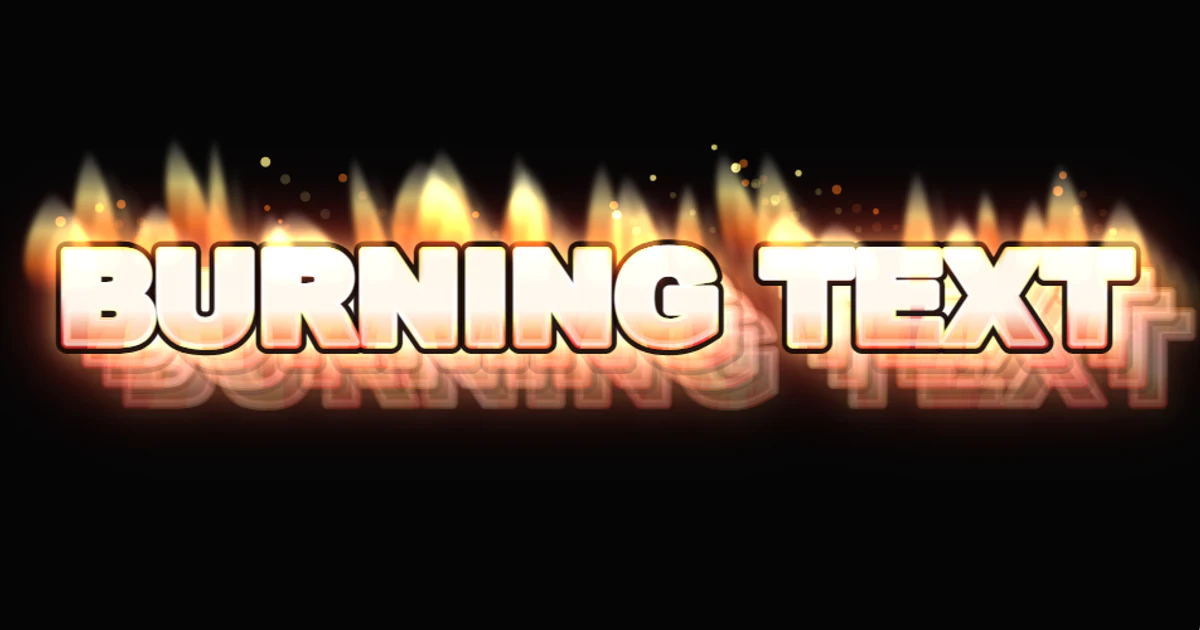
The burning text effect with repeated echo trails behind it.
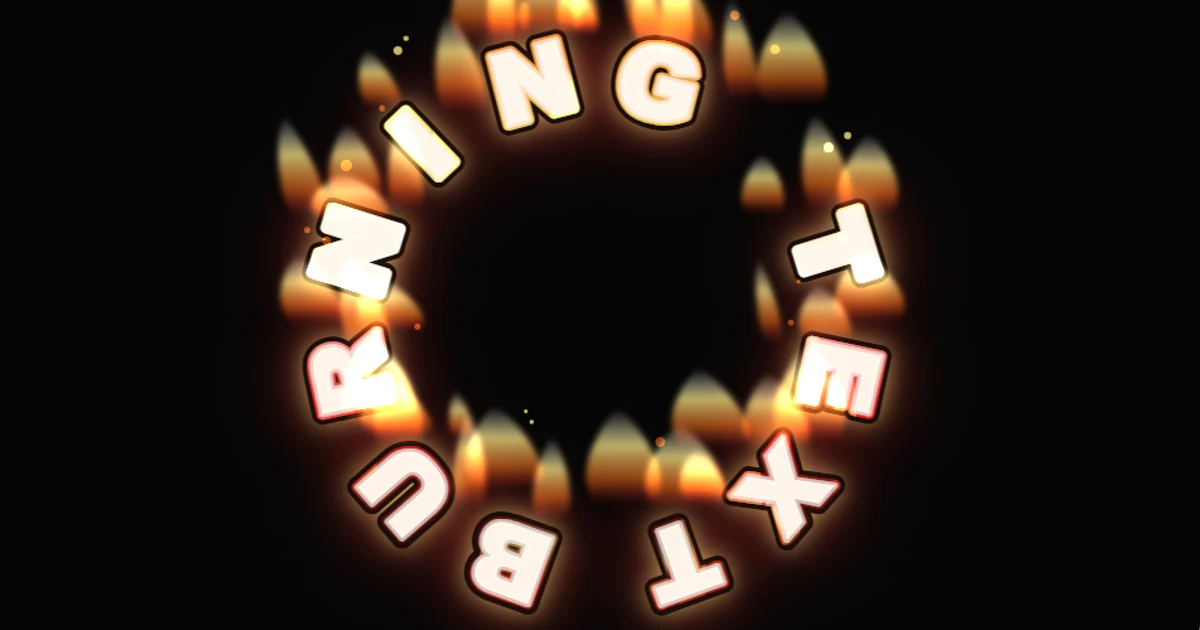
The burning text effect arranged along a circular text path.
The burning text generator separates visual PNG, animated GIF, and text-only copy fallback so every output is clear.
Add a PNG, JPG, or WebP background, preview it behind the burning text, then export a composite PNG or GIF.
Download transparent PNG, PNG with the current background, or a short animated GIF from the browser-rendered preview.
Start the burning text generator with a name, title, meme caption, logo draft, or sample such as BURNING TEXT. Short bold text exports best.
Choose Burning Red, Ember Glow, Blue Flame, Charred Sign, or Meme Burn. The preset changes the preview and the exported files.
Use transparent mode for text-only PNG, pick a color, or upload a PNG, JPG, or WebP image that fills the canvas with a center crop.
Download transparent PNG, PNG with background, or animated GIF. Use the copy fallback for places where image effects cannot be pasted.
Pick the right output
A burning text generator copy and paste result cannot carry a real flame effect into an ordinary text field. Use the fallback caption for chats and comments. Use transparent PNG, PNG with background, or animated GIF when the burning text effect needs to stay visible.
This burning text generator creates browser-rendered fire text from the words you type. It is built for short display phrases: names, event titles, gaming labels, dramatic headings, Tumblr-style jokes, and simple burning logo generator ideas. The output is visual, not a special font file and not an AI stock image.
The burning text generator is intentionally direct. Start with text, pick a fire preset, adjust colors, choose a background, and export. The page does not ask you to create an account before previewing. It also does not hide the real output type. The preview is a canvas-rendered visual effect, the fallback is ordinary text, and the downloads are image files.
Type a compact phrase in the input box. The burning text generator works best with bold, short words because fire glow, ember edges, and animated flicker need room around the letters. Pick a preset such as Burning Red, Ember Glow, Blue Flame, Charred Sign, or Meme Burn. Use the readability hint if the text is too long or has too many lines.
Next, choose a background. You can use transparent mode for a text-only PNG layer, pick a solid background color, or upload your own PNG, JPG, or WebP image. Uploaded backgrounds stay in your browser and fill the preview with a center crop. When the preview looks right, download PNG or GIF from the same burning text generator panel.
The burning text generator supports three different output paths. Transparent PNG is useful when you want to place burning text over another design later. PNG with background is useful when the background color or uploaded image should be baked into the final graphic. Animated GIF is useful when you want a short flickering fire-style text animation.
Copy and paste needs a clearer limit. A burning text generator copy and paste result cannot carry a real flame effect into a normal text field. Text fields do not preserve canvas effects. For that reason, this tool provides a copyable fallback caption alongside the image exports. Use the fallback for chats and comments, and use PNG or GIF when the fire look must stay visible.
A custom background makes the burning text generator more practical for thumbnails, meme captions, profile banners, and quick logo drafts. Upload an image, then the preview and composite PNG use that image behind the text. The MVP keeps background handling simple: upload, replace, remove, and automatic center crop. Manual crop, drag, and zoom controls are not part of this page.
This also makes the burning text generator free workflow more useful than a basic text box. You can test whether orange fire reads better on a dark photo, whether blue flame stands out on a light image, or whether a transparent PNG is the better final output.
Use this burning text generator for short visual text, not long paragraphs. It works well for a burning logo generator draft, a Halloween caption, a gaming nameplate, a mock poster title, a Tumblr-style reaction image, or a burning text meme. It is not a professional fire simulator, vector marketplace, video editor, or font installer.
If you searched for a Burning Text font, this page may still help, but it does not install a font on your computer. It renders a visual effect in the browser and exports images. If you need editable design files, stock vectors, PSD, EPS, or AI-file output, that is outside the TextKits scope for this page.
If the burning text generator is close but not the exact effect you need, try Animated Glitch Text Generator for GIF text distortion, Fancy Thumbnail Text Generator for bold thumbnail graphics, Curve Text Generator Free for curved text exports, or Corrupt Text Generator for copyable glitch and zalgo text.
Short answers about free use, GIF export, PNG downloads, uploaded backgrounds, copy-paste limits, meme use, and why this tool is not a font installer.
Color
Logo controls
Effect stack
LayerableBackground
FIRE BURNING TEXT FIRE