Fast setup
How to use the RPG text box generator
Start with the dialogue field. Short lines usually look best, but the fit meter helps you test longer text without guessing. Leave the speaker field empty for a clean text-only box, or add a speaker label when you want the box to read like a character line. The rpg text box generator keeps the live preview in sync as you type, so you can adjust line breaks, tone, and style before exporting.
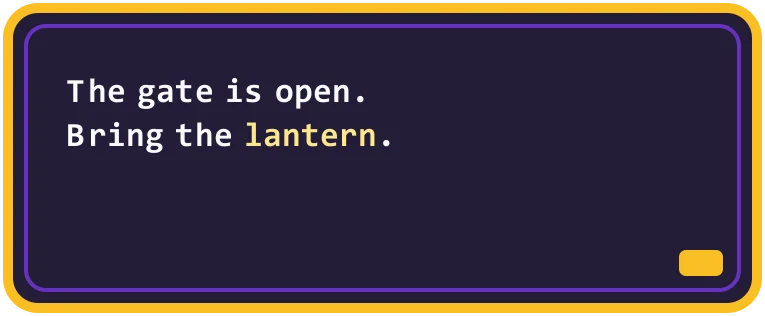
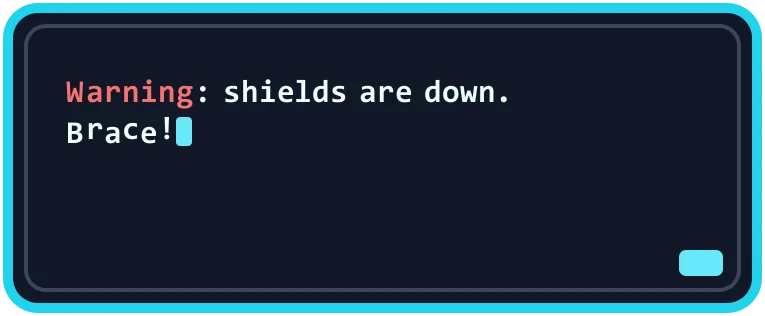
Choose one of the original styles when you want a different mood. A fantasy box can work for tabletop scenes, a handheld style can work for small captions, and a sci-fi style can work for a menu or quest log idea. These styles are inspired by broad RPG interface patterns, not copied from one official game.
If you want emphasis inside a line, use the supported inline effects sparingly. The approved syntax is small on purpose: color tags and a shake tag for dramatic words. The script and alt-text outputs stay readable, while the preview and image exports can show the visual emphasis.