Unofficial browser text art

Sonic Text Generator

Use this sonic text generator when you want fast, game-inspired display text without installingRead more

a font or opening a full design app. Type a short word or title, choose a safe original style, adjust the colors, then export a PNG or copy a fallback version.

Visual workflow

See the generated text before you export

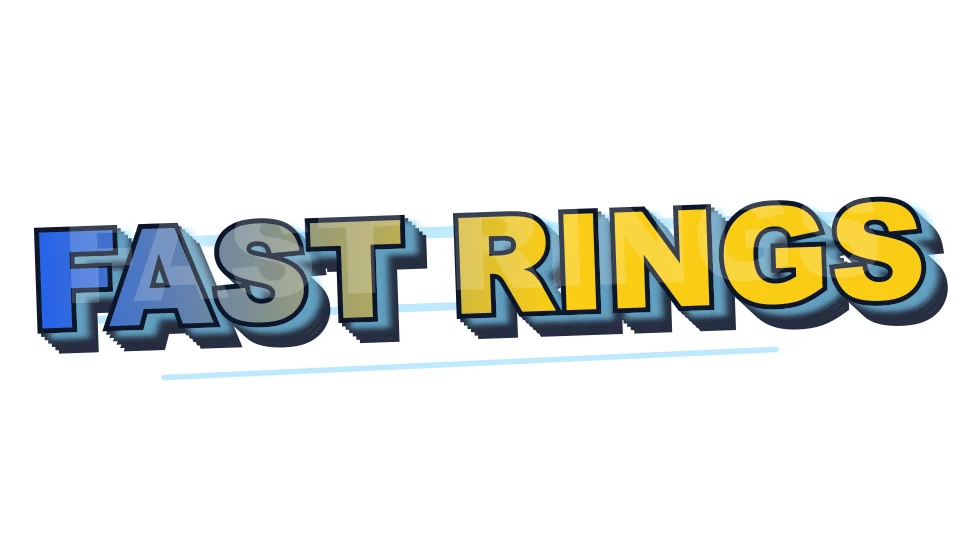
Original TextKits Sonic-inspired blue and gold text preview reading Fast Rings
A finished Sonic-inspired TextKits preview with blue display lettering, gold accents, speed lines, and a Zone/Act subtitle.
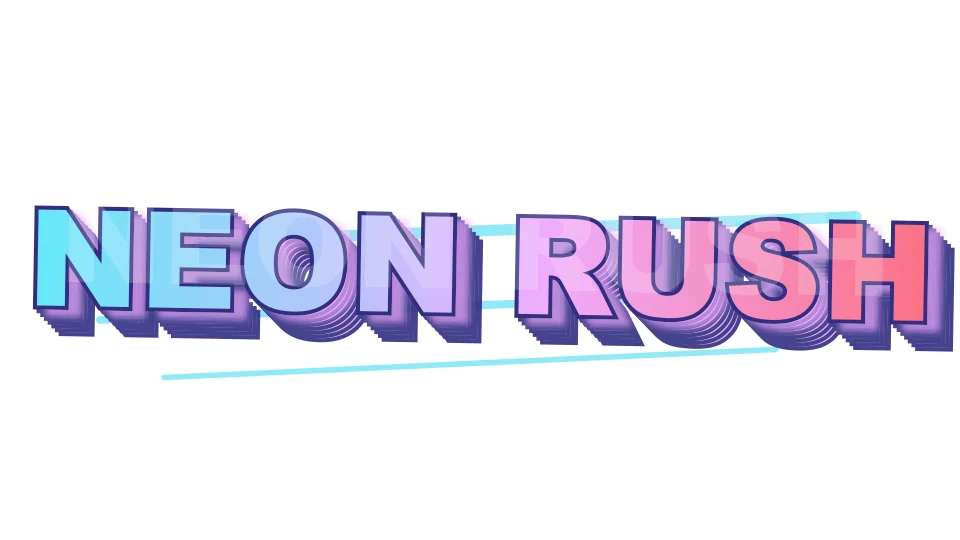
Original TextKits Sonic-inspired neon text preview reading Neon Rush
A finished neon-style TextKits preview showing how the same browser renderer can create a different safe visual recipe.

Fast setup

How to use the tool

Start with a short phrase in the main text box. The live preview updates inside a fixed frame so you can see how the style will fit before you export. For best results, use two to five words rather than a paragraph. This sonic text generator works best when the wording is compact and readable. Short titles leave more room for outlines, shadows, and speed-line accents.

Pick a preset such as Classic Speed, Ring Gold, Blue Outline, Neon Rush, or Dark Metal. Each preset changes the palette and effect recipe in one step, so you do not have to tune every color by hand. You can still adjust text color, accent color, background color, size, outline, shadow, speed-line intensity, and transparent background when you want a more specific look.

Use Zone/Act mode when you want a two-line layout. The first field becomes the large title, while the second field becomes a smaller subtitle, act label, or tag line. The tool automatically fits both lines into the preview and shows a warning when the text is too long to stay readable.

Outputs

PNG, copy, and fallback output

Download PNG is the primary export for finished artwork. Choose 1x for small previews, 2x for crisp social graphics, or 4x when you need a sharper image for thumbnails and overlays. High-DPI export runs only after you click the button, so normal typing and preset changes stay fast.

Copy Image is available where the browser supports image clipboard writing. If the browser blocks that action, use Download PNG instead. Copy Text is different: it copies the plain text fallback, not the visual style. That distinction matters because most chat apps and documents cannot paste an image effect as styled text.

Transparent background is useful when you want to place the result over a video frame, OBS scene, or design canvas. If you are not sure whether the text will stay readable, check the contrast warning and preview it against both light and dark backgrounds before exporting.

Safe presets

Style presets without official assets

If you are looking for a classic sonic text generator, these presets give you the 16-bit inspired feel people usually want from a quick text-art tool without making you hunt for font downloads. Try speed-line blue, ring-gold accents, dark metal, or neon energy, then tune the colors until the preview fits your project.

Because the styles are built from original browser rendering, they load quickly and do not depend on a temporary remote image URL. You can change a color, switch backgrounds, test a transparent PNG, and export the current result from the same page.

Readability

Readability and fit checks

Decorative lettering can fail when a phrase is too long, when the outline is too thick, or when the text color blends into the background. The tool shows status messages for clipping risk, low contrast, and characters that may not fit the display style cleanly. These warnings help you spot what might make the PNG harder to read.

Auto-fit keeps the preview inside its frame. If a title grows too wide, the text scales down instead of widening the page. On phones, the input, preview, and export buttons stay usable without horizontal scrolling.

Privacy

Private local presets

Your recent styles are saved locally in your browser, limited to a few small presets for quick reuse. TextKits does not host, store, or upload your generated images for this workflow.

If your browser blocks local storage, the tool still works; you just start fresh next time. Any SVG copy action stays local and bounded, so it is for recreating settings rather than hosting an image online.

Use cases

Practical uses for Sonic-inspired text

Use this sonic text generator for a channel thumbnail title, a stream starting screen, a speed-run note, a Discord image, or a printable project label. The sonic text generator works best when the message is short enough for bold outlines and accent colors to breathe. Zone/Act mode works well for layouts like a level name plus a small episode tag. Transparent PNG export works well when the result needs to sit over another background. That keeps the sonic text generator useful for quick drafts, not just finished graphics.

If you need a real game font file, a font license, or official branding, this page is not the right place. Use it as a fast text-art maker and keep the licensing decision separate from the generated decorative image.

For adjacent TextKits workflows, try the Deltarune Text Generator, RPG Text Box Generator, Minecraft Color Text Generator, Alien Text Generator, or Fancy Thumbnail Text Generator.

Sonic text generator FAQ

Practical answers about free browser use, official-affiliation limits, font downloads, copy and paste behavior, PNG export, and transparent backgrounds.

Is this sonic text generator free?

+
Yes. This TextKits browser tool is free for the core workflow and does not require an account. Export actions depend on browser support and the page pixel ceiling, not on a premium download gate.

Is this an official Sonic logo maker?

+
No. This is an unofficial independent utility. It creates original Sonic-inspired text recipes and does not copy official logos, fonts, character art, sprites, title cards, or game assets.

Is there a sonic text generator copy and paste feature?

+
You can copy a plain text fallback, and supported browsers can copy the generated PNG image. Most normal text fields cannot paste an image effect as styled text, so use Copy PNG or Download PNG when you need the look.

Does this download Sonic fonts?

+
No. If you came here looking for a sonic genesis font generator, use this page for browser-rendered image styling instead of installing a game font file.

Can I make a transparent PNG?

+
Yes. Turn on transparent background before downloading when you want the lettering to sit over a video frame, thumbnail, OBS scene, or design canvas. Check the fit and contrast warning before export.