Fast workflow
How to generate Minecraft color text
Start with the message you want to format. The editor keeps the plain text visible while the compact style toolbar can apply a full-color hex value, font, formatting, magic text, or gradient to the current selection or to all text. A Minecraft color text generator is most useful when the code, visual preview, and copy output stay connected, so this page updates the primary result as you edit instead of hiding the generated text behind a separate submit step.
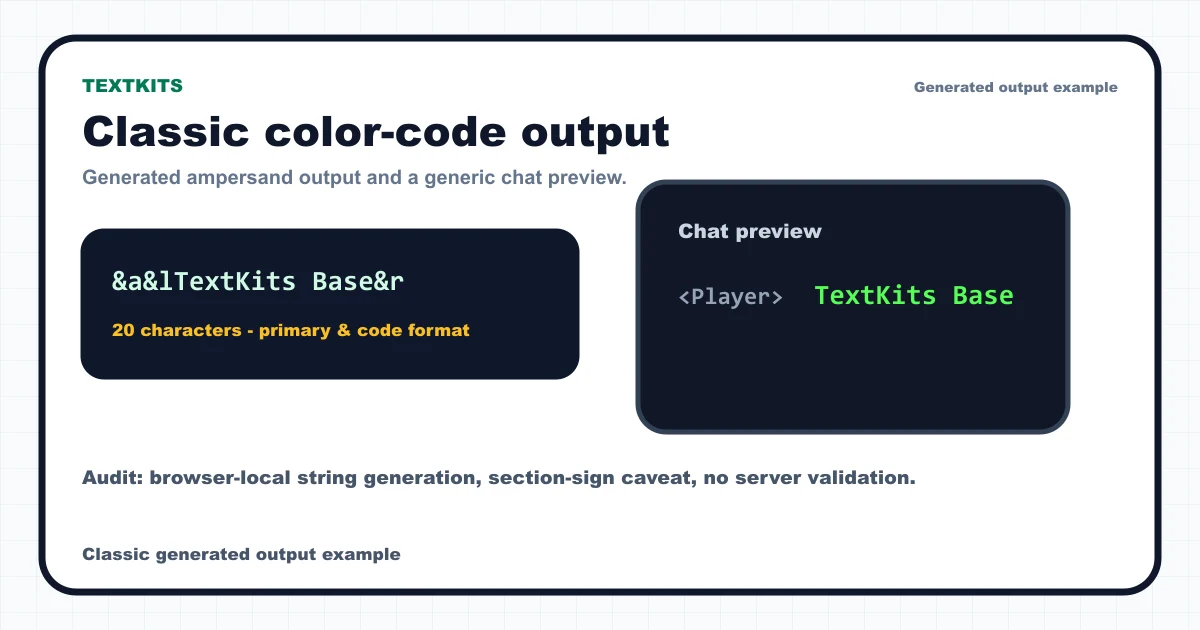
Use the color popover for full-color hex output first. When a selected output format needs legacy color, the tool shows the nearest classic fallback such as &a, &c, or &9. Formatting buttons add bold, italic, underline, strikethrough, and animated obfuscated preview behavior while still copying the proper Minecraft formatting code.
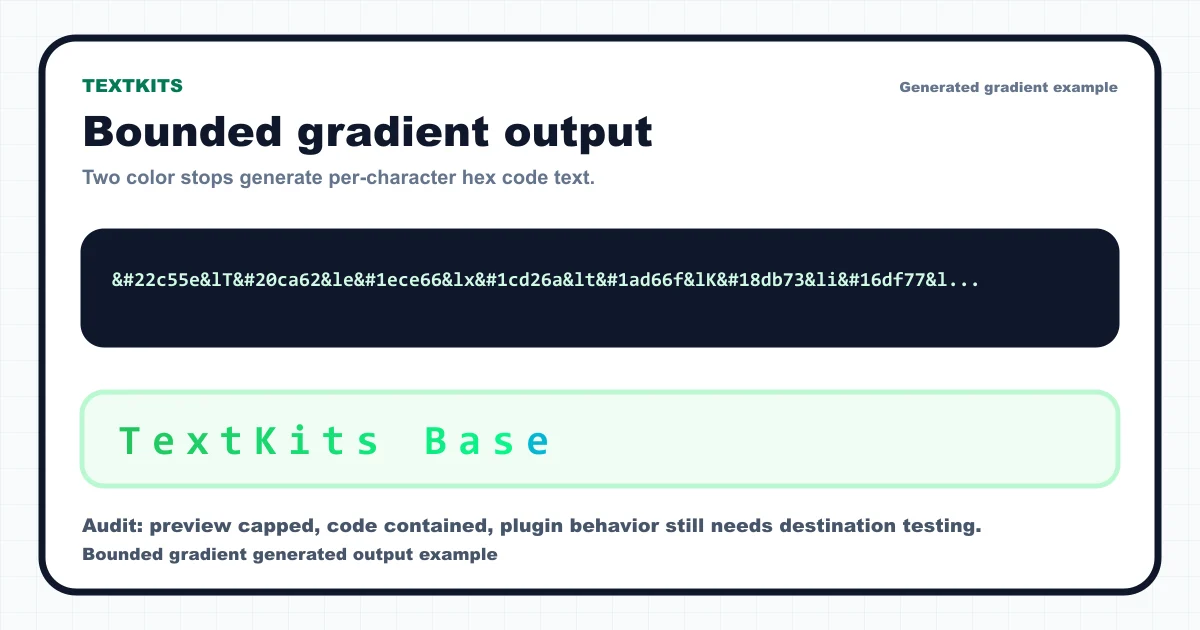
For gradients, select the exact span you want to color and keep the message short enough to review before copying. The Minecraft color text generator gradient workflow uses bounded two-to-six-stop output with character-per-color, trim-spaces, swap, and randomize controls. That keeps the page fast on phones and makes the output easier to audit.