Original cartoon lettering · unofficial
Pokemon Text Generator
Make an original cartoon title with bold outlines, playful letter placement and your own colors.Read more
This unofficial Pokemon text generator creates images using original effects and plain font families. Type a short phrase, adjust the preview, then download your design. No official logos, characters or font files are included.
Made with the editor
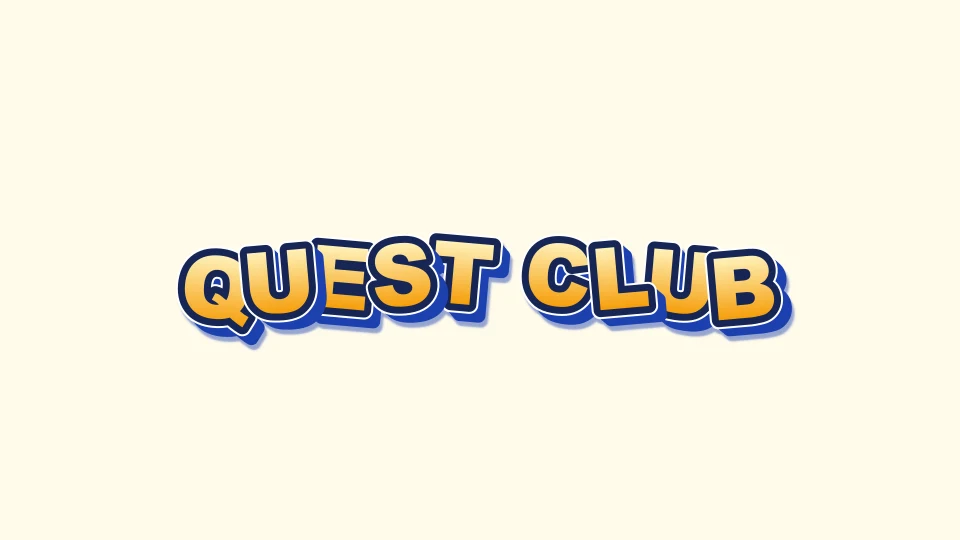
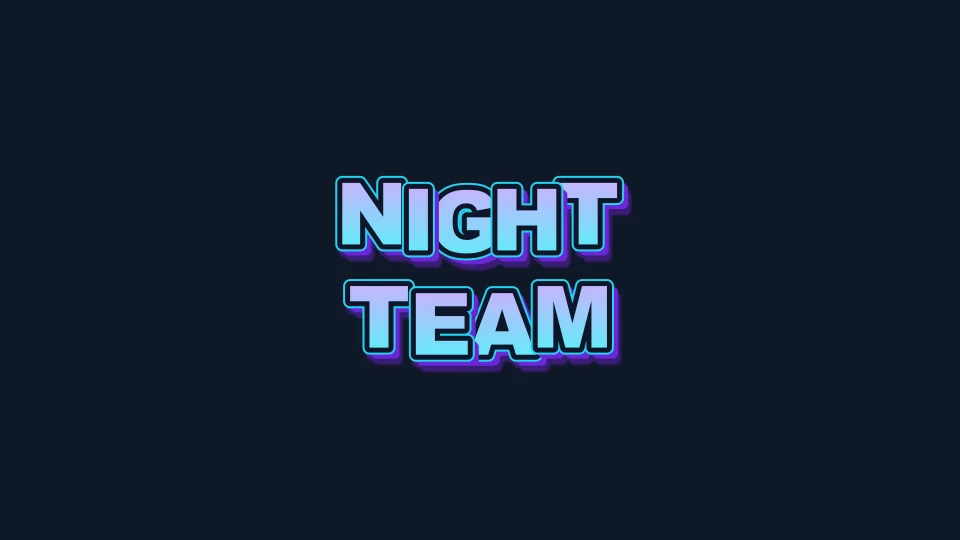
Two original title treatments
Start with a short title
Enter the words you want on the image, such as QUEST CLUB, PARTY TEAM or your own event name. The editor accepts up to three lines, with 80 characters in total and 32 on any one line. Shorter phrases leave more room for outlines and depth. Line breaks let you balance a longer name without making every letter smaller.
Choose an original style before changing individual settings. A bright adventure treatment, a darker night palette and a flatter pixel-like treatment give you different starting points. Each preset changes several visual settings together. It does not load a different official logo or replace your words with a protected image.
Shape the lettering around your words
The Pokemon text generator lets you change the font family, spacing, overall size, alignment and rotation. Each line also has its own size adjustment. Use a slight arc or alternating letter angles for an irregular title, then reduce the effect if the name becomes difficult to read.
Select an individual letter to move it independently. Drag on the preview or use the arrow keys for small adjustments; hold Shift for larger steps. This is useful when two outlines overlap awkwardly or a punctuation mark needs more space. Reset the selected letter to return it to its calculated position. Changing the source text resets old letter positions so they do not attach to the wrong characters.
Build color, outline and depth for original logos
Try a solid fill for clarity, a two-color gradient for a softer transition, or a simple stripe pattern for texture. The outline separates letters from the background. A second outline can add another edge without changing the fill. Shadow, glow, bevel and depth create different kinds of separation; they are independent settings rather than a single intensity switch.
Strong effects can make a small title look crowded. Open the small-output preview to inspect the result at thumbnail size before downloading. This is a visual check, not a readability score or an accessibility certification. Compare the actual letters against the background you intend to use.
Add your own images and repair mistakes
Use your own PNG, JPEG or WebP artwork as a background or an image layer. Files are limited to 2 MB each, decoded images to 4096 pixels per edge, and the working copy is reduced to at most 1024 pixels per edge. You can keep up to three image layers in a design. These bounds keep a short title project manageable on a phone.
Move, resize, rotate, crop or fade the selected image. Duplicate it when the same decoration belongs in two places, change its stacking order, or align it to the canvas. Lock a finished layer to prevent accidental movement. Undo and redo keep ten recent editing steps in memory. They help recover a mistaken color, position or layer edit during the current session; they are not a saved project backup.
Choose a file for the next step
Download PNG preserves the current composition. Transparent PNG removes the background so the lettering can sit over another image. JPEG flattens the composition onto a solid color. PDF provides a static page containing the rendered graphic. SVG keeps the text and effects in a vector document, although external viewers may substitute fonts or render filters differently.
For motion, explicitly play a short preview, then choose GIF, APNG, WebM or a ZIP of PNG frames. Animation exports are capped at two seconds, 24 frames and an 800-pixel longest edge. Static exports allow a longest edge of 2048 pixels. The export status shows progress and lets you cancel work. WebM depends on browser recording support; an unavailable format produces a clear message rather than a different file with the wrong extension.
The Pokemon text generator uses an opaque background for GIF and WebM output. Choose APNG when you need an animated output that can preserve alpha. A destination app may still resize, recompress or reject a file, so test the downloaded result where you intend to place it.
Save the design, not just the picture
Save a local project JSON when you want to edit the composition again. That file includes your source text, settings and uploaded images. Treat it like any other file containing your own material. Loading a project validates its format and size before replacing the current design.
A share link carries the text, effects and letter positions in its URL fragment. Uploaded images are deliberately left out, and the link tells you when those local layers will be missing. Anyone you send the link to can read the words it contains. The embed option opens the tool with that shareable state; it is not a permanently hosted image address.
Original styling and browser processing
This Pokemon text generator is an independent TextKits tool. Its original treatments are intended for making your own cartoon titles, rather than reproducing official Pokémon lettering. It does not provide character art, sprites, branded backgrounds, protected fonts or permission to use someone else's material commercially.
Composition and file preparation run in your browser. The tool does not upload your text or image layers to a conversion service. The surrounding website may still load its usual analytics and advertising resources. Use a saved project for recovery; closing the page clears the in-memory editing history.
Pokemon text generator FAQ
Practical answers about original styling, image export, copy and paste, and local projects.