01
Type a short phrase
Start with a name, clue, caption, RPG note, or sci-fi message. Short, compact text is the easiest to check after styling.
Use this alien text generator when plain text feels too ordinary for a sci-fi name, game clue, profile line, or strange message. Encode a short phrase, decode known TextKits alien styles, or turn a selected signal into a downloadable PNG or animated GIF.
Pick Encode to turn plain English letters into five TextKits alien symbol styles, or pick Decode to turn supported TextKits alien text back into readable characters. One page covers both directions: English-to-alien text and alien-text-to-English recovery.
This is a reversible symbol mapper, not a real-language translator. It cannot understand arbitrary movie, game, handwritten, or image-based alien scripts.
Each style follows a fixed rule. The core rule is the Alien Alphabet key: Encode swaps each English letter for the same symbol every time, so A always becomes ⏃ and E always becomes ⟒. Capitals and lowercase share a symbol, punctuation is not translated, and a message can run up to 180 characters.
Full A–Z key: A ⏃ · B ⏚ · C ☊ · D ⎅ · E ⟒ · F ⎎ · G ☌ · H ⊑ · I ⟟ · J ⟊ · K ☍ · L ⌰ · M ⋔ · N ⋏ · O ⍜ · P ⌿ · Q ⍾ · R ⍀ · S ⌇ · T ⏁ · U ⎍ · V ⎐ · W ⍵ · X ⌖ · Y ⊬ · Z ⋉
Galactic Cipher and Rune Orbit reuse that key, adding matching marks around each word or wide spacing inside end brackets. Signal Noise keeps your letters and adds strike-style marks to some of them, and Readable Alien swaps letters for accented lookalikes such as å and ç.
In the symbol styles, numbers borrow letter glyphs: 0 shares ⍜ with O and 7 shares ⏁ with T. Readable Alien leaves digits unchanged, and the same text always produces the same output.
Decode runs those rules in reverse. It spots the style from its markers, such as overlay marks for Signal Noise or end brackets for Rune Orbit, removes that decoration, swaps each known symbol back to its letter, and shows the share of glyphs it recognized.
Expect two differences: text returns in lowercase (Signal Noise keeps your capitals), and digits return as letters because ⍜ can mean O or 0. Decode lists those cases under Ambiguous symbols. Symbols outside these keys pass through unchanged, which is why Decode only promises TextKits styles.
Real visual exports
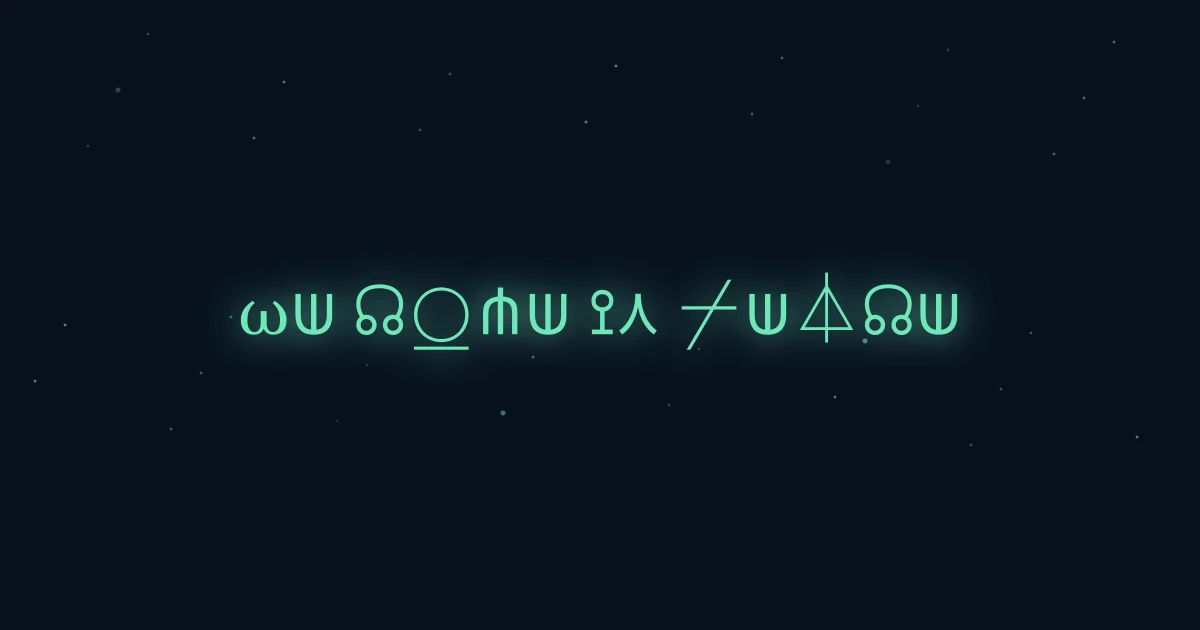
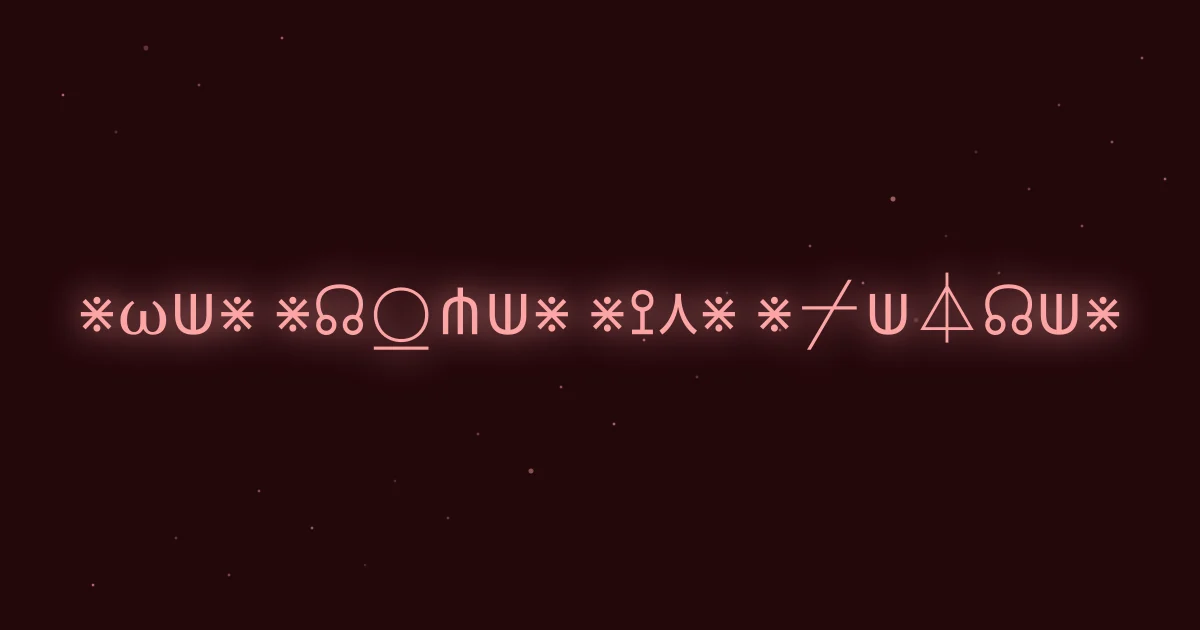
Start with a name, clue, caption, RPG note, or sci-fi message. Short, compact text is the easiest to check after styling.
Browse alien alphabet, galactic cipher, signal noise, rune orbit, and readable alien rows from the same source text.
All five rows stay visible, so compare them side by side and press Copy on the one that fits.
Select a generated row, choose a signal animation, then download a 960 by 540 visual message.
Alien language symbols are Unicode text, so the final look depends on the app and device where you paste them.
This alien text generator changes ordinary letters into Unicode characters, geometric symbols, accents, and sci-fi-looking substitutions. It is similar to an alien alphabet font or human to alien translator, but it does not invent a real grammar or vocabulary. Your original message stays underneath the style.
That distinction matters. A true translation would change meaning from one language to another. The output is closer to a visual cipher: useful for props, game clues, profile text, jokes, and short creative messages. Need to censor text? Try our redacted text generator.
The alien alphabet row gives users the familiar geometric output they expect from classic alien text tools. The galactic cipher and rune rows push the same message into a more coded look, while the readable row keeps enough recognizable letter shape for usernames and captions.
The point is comparison. Keep the same phrase, scan five sets of alien symbols side by side, and pick the one that fits the mood without opening a font editor.
Use the alien text generator for RPG handouts, worldbuilding notes, Discord display names, sci-fi profile text, game clues, alien contact jokes, event titles, classroom puzzles, and short social captions.
Short input usually works better than long paragraphs. Heavy symbols are easier to read when the phrase is compact, and a readable alien row is usually safer when the output needs to fit inside a public bio or display name.
This alien text generator exports static PNG images and animated GIFs alongside copy-paste text. It does not create SVG, TTF, installable fonts, or a real language translation.
Unicode rendering can vary by browser, app, operating system, and font. If one alien text generator row looks broken after pasting, switch to a cleaner row or use fewer symbols.
Short answers about alien symbols, copy-paste output, and the limits of stylized alien language text.
Results update instantly. Copy any style.
Choose and copy a style
Five styles are ready to copy.All five results are ready to copy. Focus or hover a style to use it for image export.
Alien Alphabet
Copy-paste Unicode text
Galactic Cipher
Copy-paste Unicode text
Signal Noise
Copy-paste Unicode text
Rune Orbit
Copy-paste Unicode text
Readable Alien
Copy-paste Unicode text
Map preview