Fancy Text Back To Plain Text

Convert This Font to Normal

Remove text font styling, normalize Unicode text, and turn fancy copy-paste text back intoRead more

Paste styled text

0 / 320

Normal text

0 chars

Quick examples

Runs locally in your browser.

How Convert This Font to Normal works

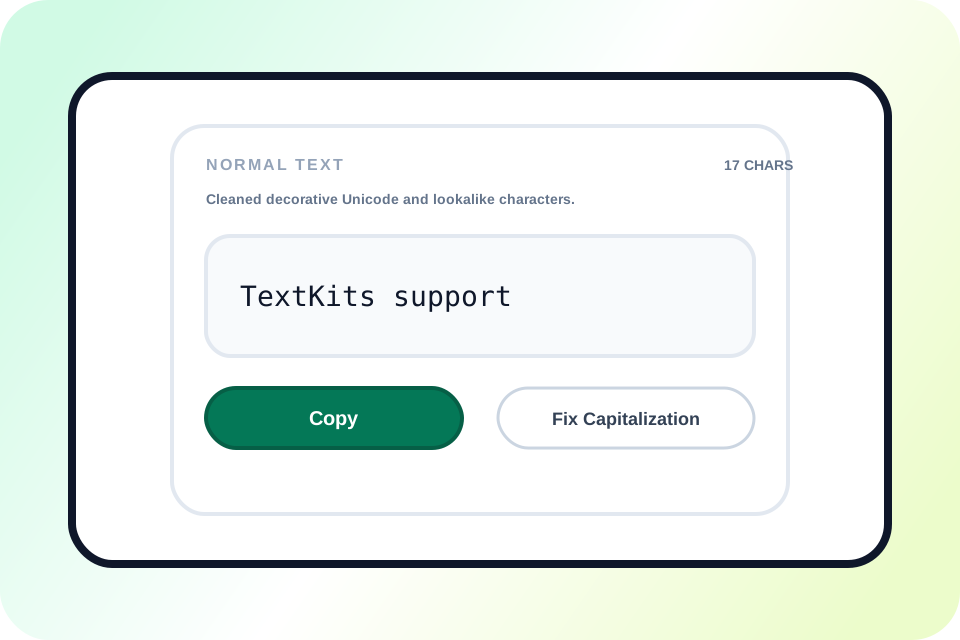
The visible workflow is simple: paste the styled text, watch the normal version update live, copy it, and optionally fix capitalization.

Input Text
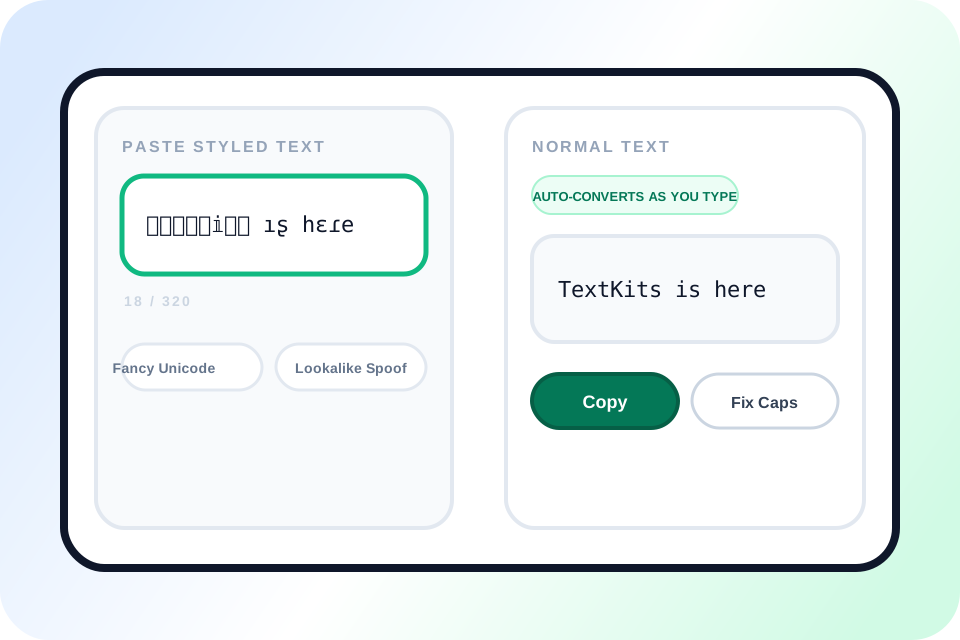
𝕋𝕖𝕩𝕩𝕀𝕚𝕥𝕤 ıʂ հεɾе
Fancy Unicode, flipped letters, and decorative wrappers can all start from the same paste box.
1

Paste styled text

Paste up to 320 characters. The converter accepts copy-paste Unicode such as mathematical alphabets, fullwidth, circled, superscript or subscript, boxed text, combining marks, flipped characters, and selected lookalikes.
Normal Text
Auto-converts as you type
TextKits is here
You do not need a separate convert button. The cleaned output appears live in the right panel.
2

See the normal text update live

The Normal text panel updates without a separate Convert button. A status line reports the cleanup it detected, while input that is already normal remains unchanged.

Output Actions
TextKits is here
Copy
The main action is simple: copy the cleaned line when it looks right.
3

Copy the cleaned result

Once the result looks right, copy the plain-text version and paste it into your message, document, profile, or form.

Output
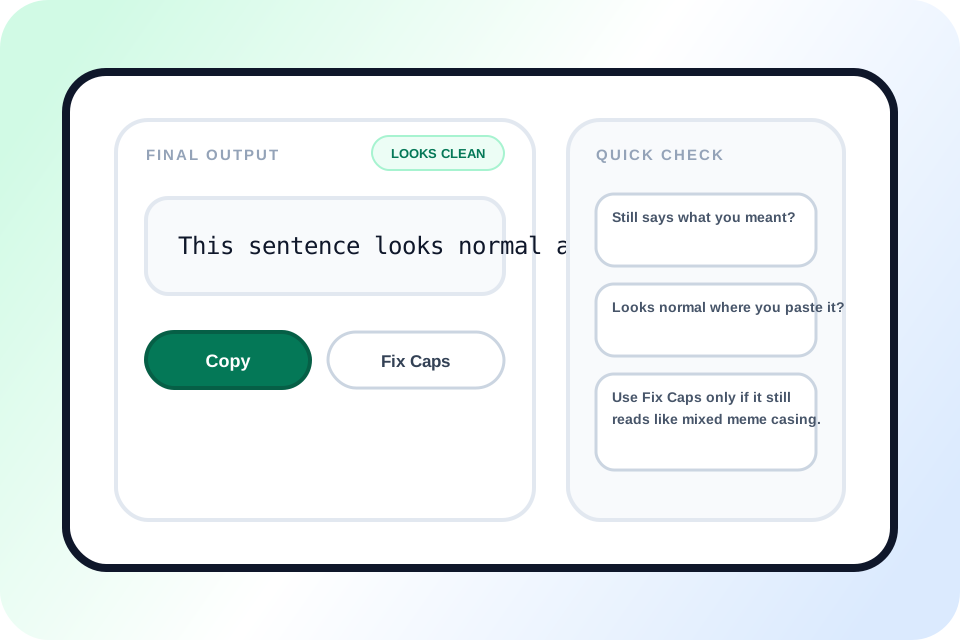
TextKits is here.
CopyFix Capitalization
This step is optional. Use it only if the output still looks like mixed meme casing.
4

Optionally fix capitalization

Use Fix capitalization only after reviewing the conversion. It lowercases the line and restores sentence starts, so it can also change intentional names, acronyms, or custom casing.

What makes this text-normalizing workflow useful

See how removing text font styling, Unicode normalization, and copy-ready output work together on one page.

Styled Unicode text converted into clean plain text with live copy tools

What this normal font converter actually changes

This normal font converter works on copy-paste characters, not fonts installed on a phone or computer. It maps supported decorative Unicode back to ordinary letters and numbers, removes selected combining marks and wrappers, and can reverse strongly detected flipped text.

People often call these characters a fancy font, but copied text is usually Unicode rather than a downloadable typeface. The converter does not identify a font family or change device font settings. To apply a new copyable style after cleanup, use Bold Font Free Copy Paste for clean emphasis or the weird text generator for more decorative output.

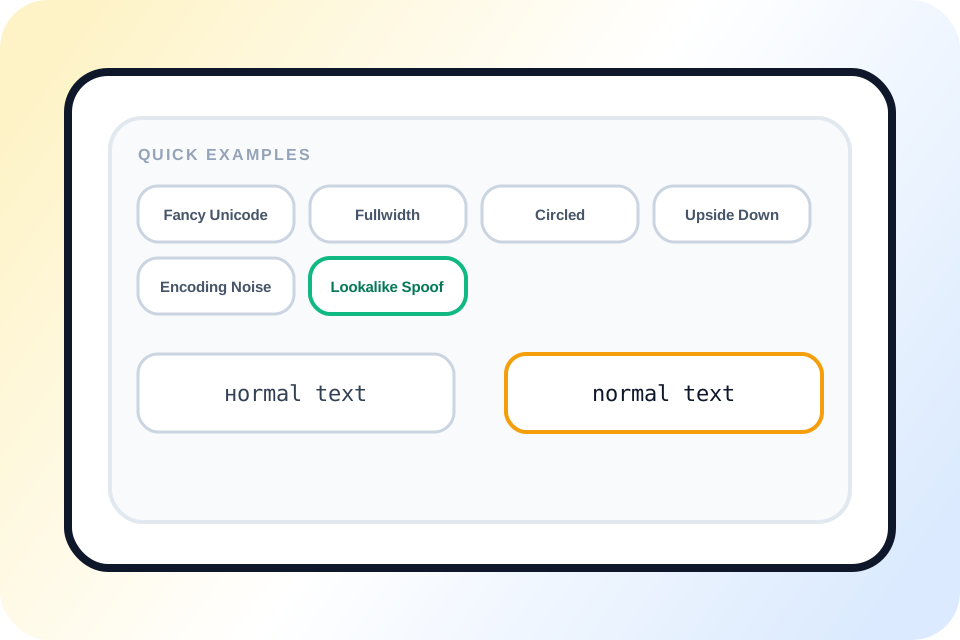
Quick examples clean lookalike Unicode text into normal plain text

One page can unstyle several kinds of broken or decorative text

The 11 quick examples cover mathematical Unicode, fullwidth text, circled letters, superscript and subscript characters, upside-down text, combining marks, boxed letters, decorative separators, selected lookalikes, uwu wording, and encoding noise.

Verified results include Wide text 123 from fullwidth input, paypal support from the built-in Cyrillic lookalike sample, and TextKits is here. after removing glitch marks. To create test input for the reverse workflow, use the corrupt text generator and upside-down text generator pages.

Clean plain text output with character count, copy, and capitalization fix

Plain-text output matters more than perfect style analysis

The result panel returns one normalized line plus a short status such as decorative Unicode, flipped characters, lookalikes, encoding noise, or casual speech patterns. It does not guess the name of the original font or provide a forensic style report.

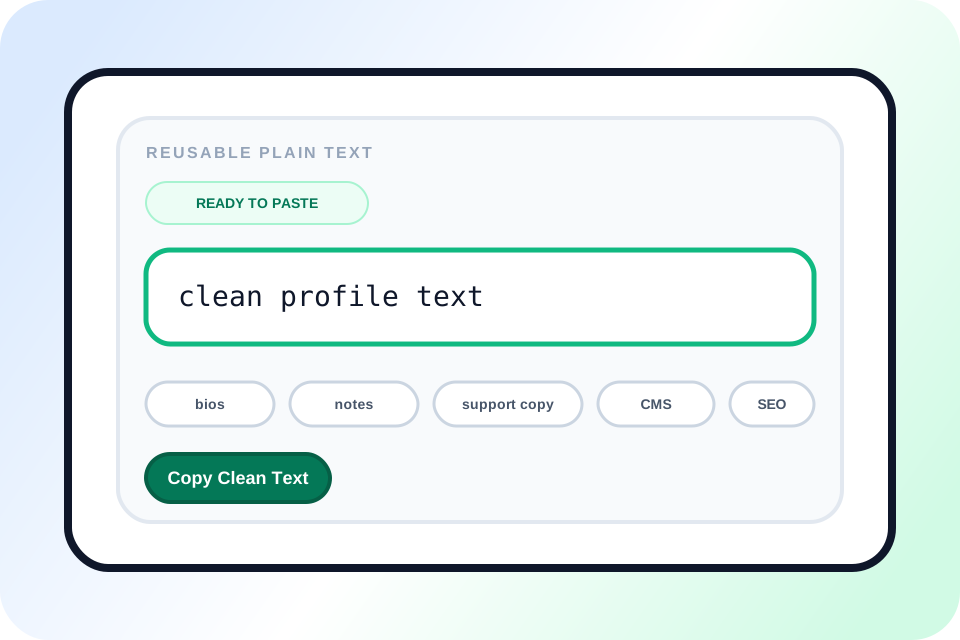
That narrower job is useful for messages, forms, notes, CMS fields, and spreadsheets where ordinary characters matter more than preserving the visual decoration. The source stays in the input box so you can compare it with the result before copying.

More ways to use Convert This Font to Normal well

See where this workflow helps most, when cleanup is approximate, and what to check before you trust the final plain-text output.

Reusable plain text ready for bios, notes, CMS fields, and support copy

Best uses for Convert This Font to Normal

Convert This Font to Normal works best on short, copyable text whose characters carry the visual style: bios, usernames, comments, form values, support examples, and notes. The 320-character limit keeps each comparison visible in the two text panels.

It cannot inspect a screenshot, identify a downloaded typeface, or reset the font on a phone, browser, or document. If the source is an image, transcribe it first. If you want to style normal text after the cleanup, old timey text generator is one optional follow-up.

Decorative font cleanup compared with Unicode lookalike normalization

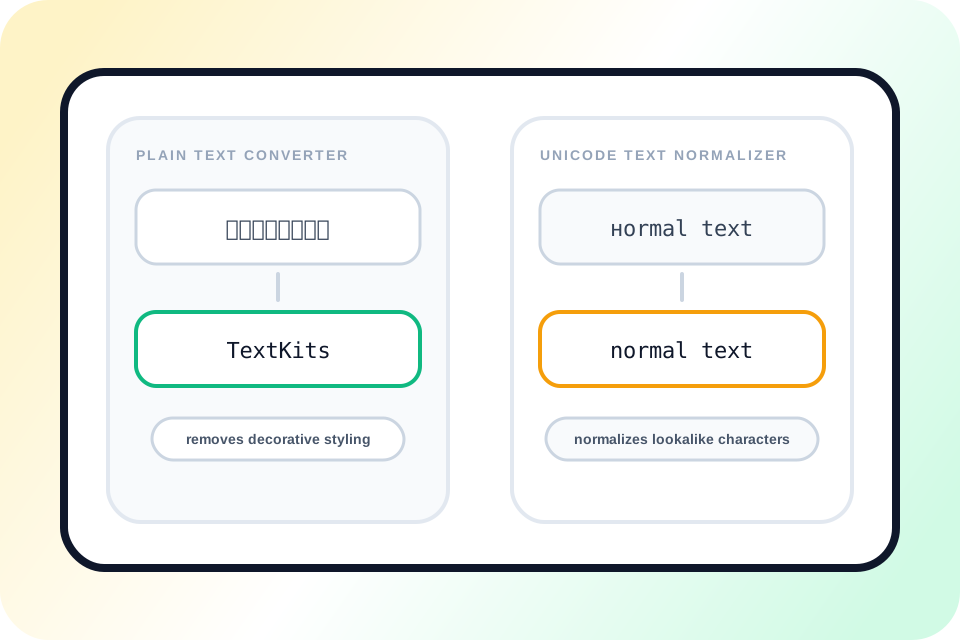
Why this page acts like both a Plain Text Converter and a Unicode Text Normalizer

A plain-text conversion maps supported decorative alphabets, boxes, wrappers, and combining marks back toward ordinary characters. For example, mathematical script and fullwidth letters return to readable Latin text.

Unicode normalization covers selected lookalikes, compatibility forms, flipped characters, and common mojibake patterns. It is intentionally guarded: unfamiliar scripts and ambiguous sequences can remain unchanged instead of being guessed.

Exact cleanup compared with best-effort restoration for altered Unicode text

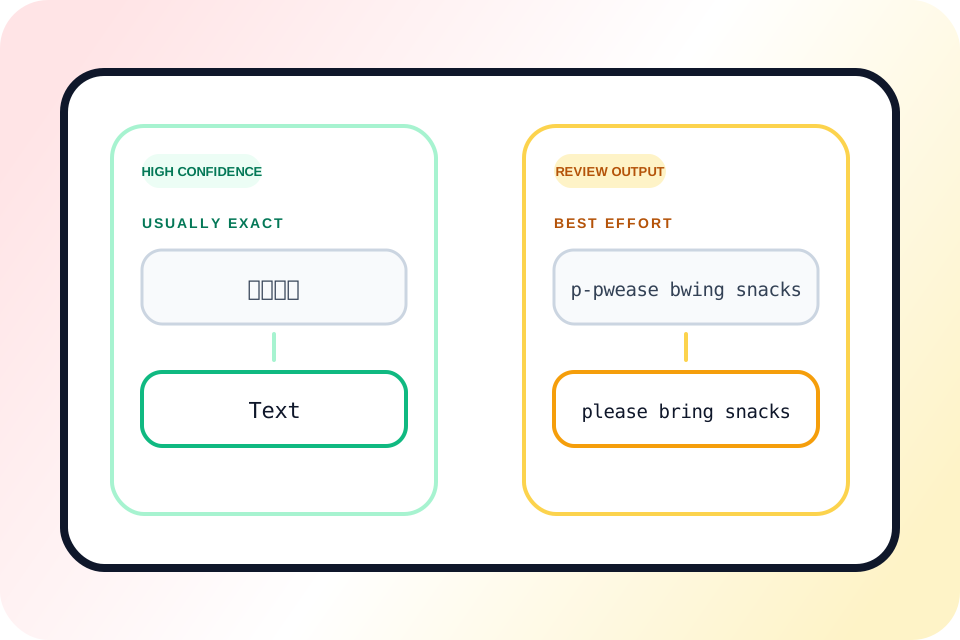
Why some restored results are exact and others are only best-effort

Some mappings are direct, but normalization can still be lossy. Superscript and subscript digits return to baseline digits, small caps may lose capitalization, and visual wrappers are removed rather than described.

The browser tests show the boundaries: decorated text retained one heart separator, upside-down text retained a combining dot, and the encoding example repaired “Café” but not the full “déjà vu” phrase. These cases need a human check rather than a promise of exact recovery.

Final plain text check with copy and optional capitalization correction

Tips before you copy the cleaned result

Keep the source in the input panel while you compare spelling, punctuation, numbers, and capitalization. Technical notation deserves extra care because H₂O becomes H2O after the subscript is flattened.

Use Copy when the normalized line is correct. Use Fix capitalization only for unwanted alternating case; it deliberately lowercases names, acronyms, and custom casing before rebuilding sentence starts.

Convert this font to normal FAQ

Use these quick answers to understand how Convert This Font to Normal handles fancy text cleanup, Unicode normalization, approximate recovery, and plain-text output. If you need the forward styling step first, start with Styled Text Font Style.

Does Convert This Font to Normal work for fancy text from social media?

+
Yes, when the source is copyable Unicode text from a bio, caption, username, post, or message. Paste the characters into the tool and review the normal-text result. It cannot read styling from a screenshot or change a font installed on your phone, browser, or document.

Can this tool remove text font styling without changing the meaning?

+
Usually, but not in every case. Decorative letter forms often keep the wording, while lossy conversions can remove distinctions: H₂O becomes H2O, small caps may lose capitalization, and residual symbols can remain. Compare important output with the source before you reuse it.

Is this page a Plain Text Converter or a Unicode Text Normalizer?

+
It does both jobs in the browser. The plain-text side maps supported decorative alphabets and wrappers to ordinary characters. The normalization side handles selected compatibility forms, flipped text, combining marks, lookalikes, and common encoding noise without claiming to identify the original font.

What does unstyle mean on this page?

+
On this page, unstyle means mapping supported decorative or compatibility-heavy Unicode characters back to ordinary text characters. It is a character conversion, not a command that removes formatting from a file or changes a device font setting.

Can it normalize Unicode text that looks normal but behaves strangely?

+
It can normalize selected cases. For example, the built-in Cyrillic-lookalike sample раураl support becomes paypal support, and fullwidth letters and digits return to ordinary forms. It will not recognize every script, spoof, or unusual character sequence.

Why are some restored results exact while others are only best-effort?

+
Supported decorative alphabets can map cleanly, but altered spelling, flipped punctuation, separators, and mojibake are less predictable. In browser tests, decorated text retained one heart, upside-down text retained a combining dot, and the encoding example repaired Café but not the full déjà vu phrase.

Do I need to click a convert button before I copy the result?

+
No. Paste up to 320 characters and the result updates live. Review it, then copy it. Fix capitalization is optional and lowercases the line before restoring sentence starts, so avoid that action when names, acronyms, or custom casing must stay unchanged.